An HMI (Human-Machine Interface) is the interface through which a human operator interacts with a machine or automated system. This page explains what an HMI is, how it works in industrial and embedded contexts, how it differs from GUIs and SCADA systems, and what software engineers and product teams need to build one.
An HMI (Human-Machine Interface) is the interface through which a human operator interacts with a machine or automated system. In industrial and embedded contexts, an HMI typically refers to a display panel — touchscreen or button-operated — that shows machine status, allows parameter configuration, triggers commands, and presents alarms or alerts. The operator reads data from the HMI display and controls the machine through it, without direct interaction with the underlying hardware or control system internals.
The term is most commonly used in industrial automation, manufacturing, process control, and embedded product development. HMIs appear as operator panels on CNC machines, production line controllers, HVAC systems, medical devices, vehicle dashboards, and building automation systems.
Physically, an HMI can range from a small monochrome LCD panel with four physical buttons (a simple embedded display) to a full-colour multi-touch industrial terminal with a high-resolution TFT display and wireless connectivity. What defines it as an HMI is the function: it bridges the human operator and the controlled machine. See What Is Embedded GUI? for the underlying software-layer definition.
Four perspectives on what an HMI is and what makes each deployment context unique.
GUI (Graphical User Interface) is the general software concept for any interface that uses graphical elements — icons, buttons, menus, windows, text — rather than a text-based (CLI) interface. The term is neutral about industry and context.
HMI (Human-Machine Interface) is specifically the operator interface on a machine or control system. It implies industrial, automation, or machine-control usage, with requirements around alarm management, deterministic updates, and long service life.
SCADA (Supervisory Control and Data Acquisition) is a higher-level system that aggregates data from multiple HMIs, machines, and field devices across an entire plant or geographic network — supervisory access, not local control.

Industrial HMIs are the most common use case: operator terminals on manufacturing lines, CNC machines, conveyor systems, HVAC controllers, and process reactors. They typically connect to a PLC or machine controller via industrial protocols (Modbus, EtherNet/IP, PROFIBUS, CANopen).
Industrial HMI requirements are strict: deterministic alarm display within a defined latency, IP65+ protection ratings, wide-temperature operation (-20°C to 70°C typical), and 7–15 year service life. Software frameworks used for industrial HMIs must be stable, long-term supportable, and — for safety-rated machinery — MISRA C compliant.
Read more: Industrial HMI GUI Solutions
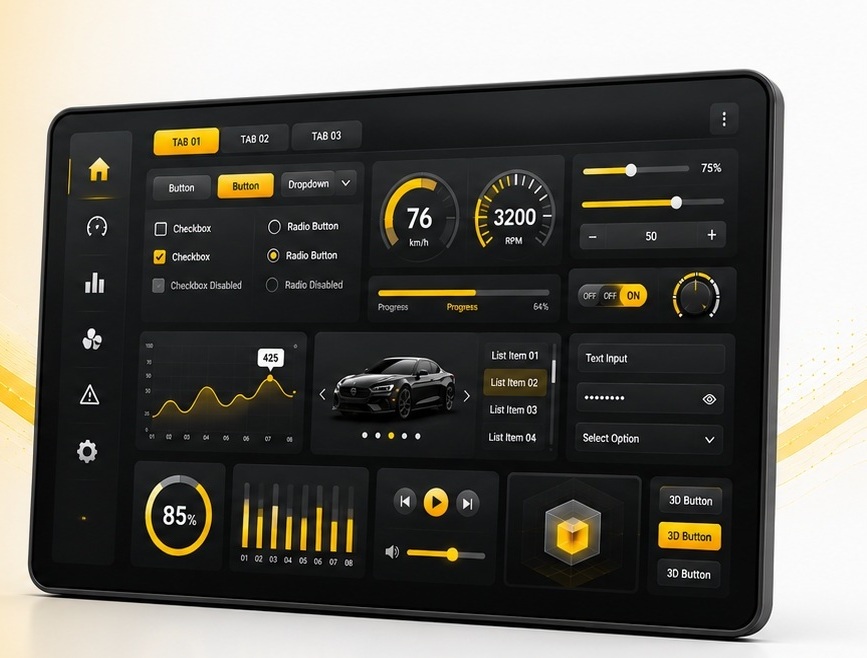
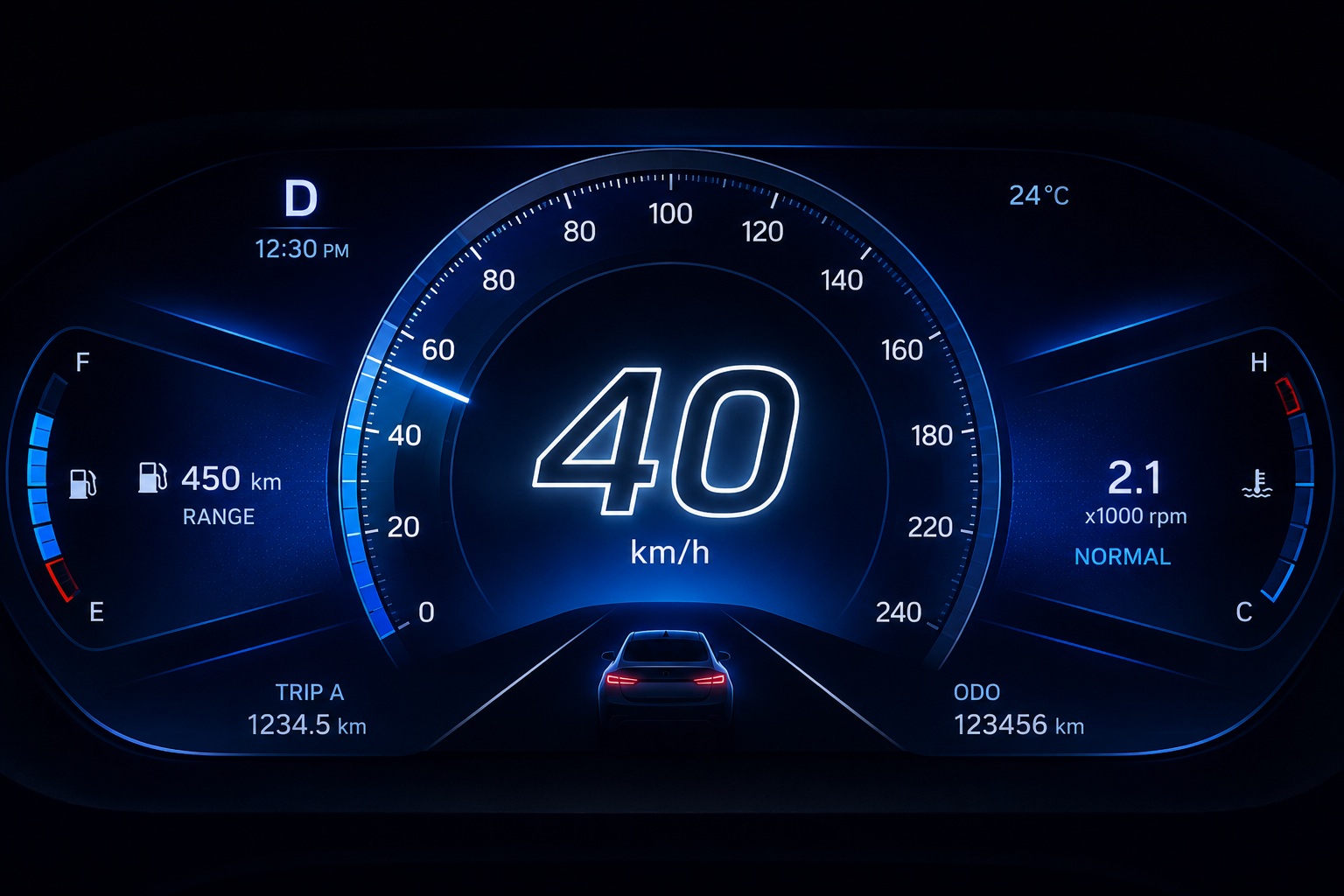
Vehicle displays — digital instrument clusters, IVI systems, HUDs — are embedded HMIs operating under strict automotive standards. ISO 26262 defines functional safety requirements for ASIL-rated displays. Automotive HMIs must handle extreme temperatures (-40°C to 105°C), vibration, EMI, and very fast boot times.
The automotive HMI market is the most demanding embedded display context: MISRA C compliance is contractually required by OEMs, hardware acceleration is needed for 60 fps cluster animations, and multi-display configurations (cluster + IVI + HUD) are common in modern vehicles.
Read more: Automotive HMI GUI Demos
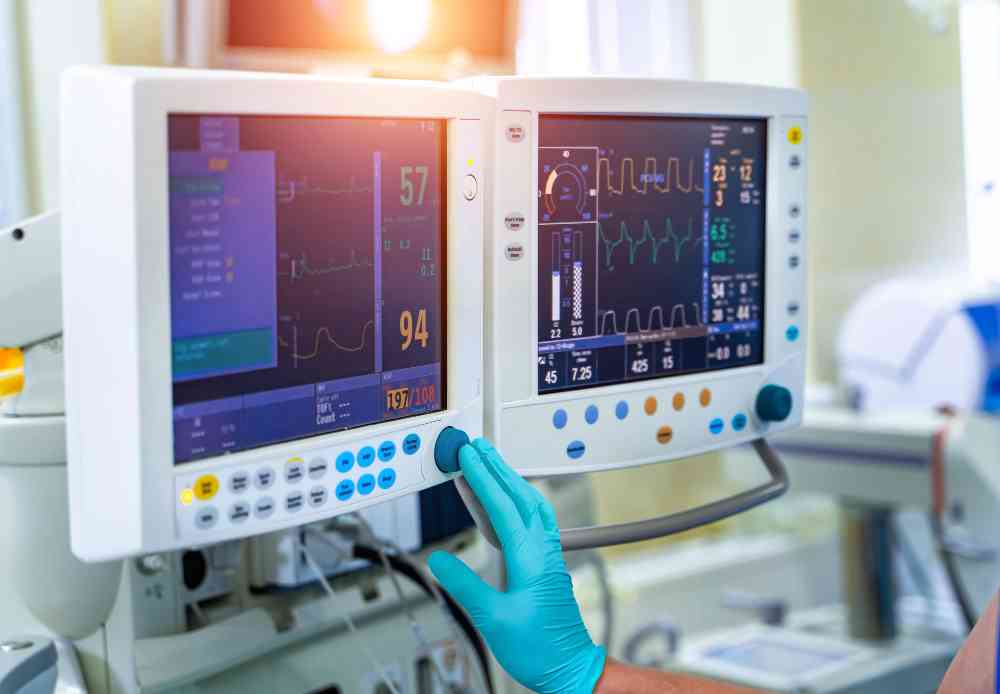
Medical device HMIs are embedded displays that must meet IEC 62304 medical device software standards. Patient monitors, infusion pumps, ventilators, and diagnostic imaging equipment all include embedded HMIs where display failure is a patient safety event.
Medical HMI software requires rigorous alarm management with visual and audible alert escalation, full audit trails for regulatory compliance, and a MISRA C compliant framework that can be included in software lifecycle documentation submitted to regulatory bodies (FDA, CE, TGA).
Read more: Medical Device GUI Development
| HMI Type | Typical Display | Primary Interaction | Common Protocol | GUI Framework Required |
|---|---|---|---|---|
| Industrial panel HMI | 5–15" TFT, resistive/cap touch | Touch + function keys | Modbus / EtherNet/IP | Embedded GUI, MISRA optional |
| Automotive cluster | 5–12" TFT / OLED, no touch | No direct input (data-driven) | CAN / MOST / Ethernet | Embedded GUI, MISRA C required |
| Medical device display | 4–12" TFT, capacitive touch | Touch + physical buttons | Internal MCU / SPI | Embedded GUI, MISRA C, IEC 62304 |
| Consumer appliance HMI | 1.5–5" TFT or OLED | Touch or rotary knob | Internal MCU bus | Embedded GUI, royalty-free critical |
| Building automation panel | 4–7" TFT, capacitive touch | Touch + physical keypad | BACnet / Modbus / KNX | Embedded GUI, Unicode/multi-lang |
| Wearable / portable HMI | 0.96–2.4" OLED, small touch | Touch + gesture | Internal MCU bus | Low-footprint embedded GUI, ≤16 KB |

Digital clusters on RH850 and i.MX RT1170. MISRA C compliant for ISO 26262 ASIL B/C. Hardware-accelerated for 60 fps animations. Sub-500 ms cold boot.

Machine operator panels on STM32H7 and Nuvoton. Long service life, full Unicode, and deterministic alarm display. Runs bare-metal or FreeRTOS.

Patient monitor and infusion pump displays. MISRA C source for IEC 62304 Class B/C. Alarm visualisation and static memory allocation for predictable operation.

Smart thermostat, wearable, and home appliance displays. 16 KB RAM minimum footprint. Royalty-free licensing economical at production volume.
GUI (Graphical User Interface) is the general software term for any visual, graphical interface — used in desktop software, mobile apps, web browsers, and embedded devices. HMI (Human-Machine Interface) is the specific industrial and machine-control term for the operator interface on a machine or controlled system. All HMIs use a GUI, but the HMI term implies industrial context, machine control purpose, and operator-facing function. In embedded product development, engineers may use both terms for the same display — GUI when discussing the software framework, HMI when discussing the operator interaction design.
Sparklet is a royalty-free, MISRA C compliant embedded GUI framework used in automotive clusters, industrial HMIs, medical devices, and consumer electronics. Download the free evaluation binary and Flint UI Designer to build your first embedded HMI screen.