From automotive instrument clusters to medical patient monitors — Sparklet delivers deterministic, frame-accurate rendering for every industry that cannot afford a missed deadline.
Embedded GUI for real-time applications refers to display interfaces built into systems that must meet strict deterministic timing requirements — where a missed frame or delayed touch response is not a cosmetic defect but a functional failure. Automotive ECUs must render speed and warning data within a fixed display cycle. Industrial PLCs must update process variables without jitter. Medical monitors must display waveforms at constant intervals to be clinically trustworthy.
Sparklet is purpose-built for this category. Unlike desktop GUI frameworks ported to embedded, Sparklet was designed from the ground up in pure C for MCUs and MPUs — with a 16 KB minimum RAM footprint, MISRA C compliant source, and a rendering architecture that guarantees frame-rate stability whether on bare metal, FreeRTOS, Zephyr, or embedded Linux. The result is a GUI library that works predictably across 9+ hardware platforms without compromise.
The six industry verticals below represent the core application areas where real-time display correctness is non-negotiable. Each links to a dedicated page with platform-specific demos and technical details.

Digital instrument clusters, IVI systems, HUDs, and ADAS displays. MISRA C source for safety-aware development. Trusted by Tata Motors, Ashok Leyland, Veethree, and Pricol.
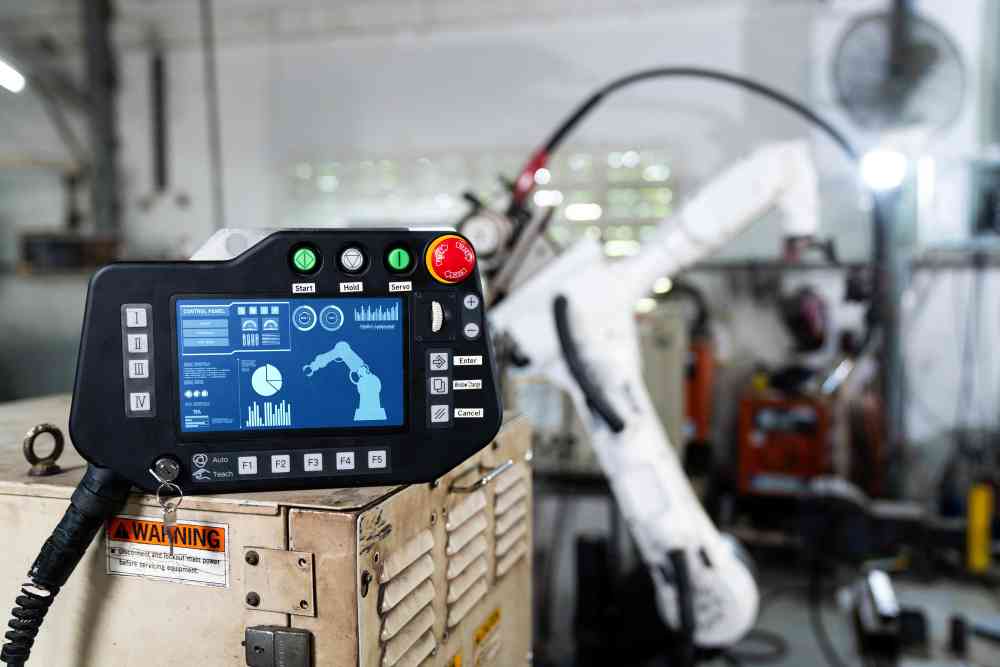
SCADA operator panels, machine tool HMIs, energy management displays, and building automation controllers. Glove-friendly touch, bare metal and RTOS, harsh-environment ready.
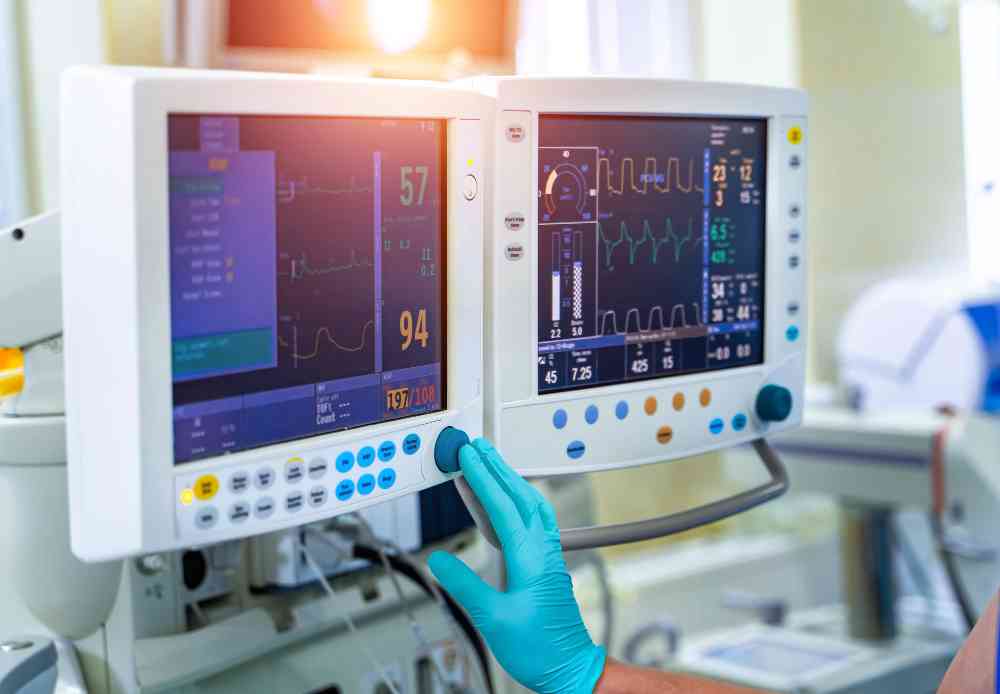
Patient monitors, infusion pumps, diagnostic equipment, and ECG displays. MISRA C source for IEC 62304 SOUP documentation. Deterministic rendering for clinical reliability.

Smart thermostats, security panels, lighting controllers, and appliance surfaces. Consumer-quality animations on cost-sensitive IoT MCUs with royalty-free deployment.

Retail kiosks, POS terminals, smart speaker displays, and portable media players. 60 fps animations and multi-language support with zero per-unit royalty.
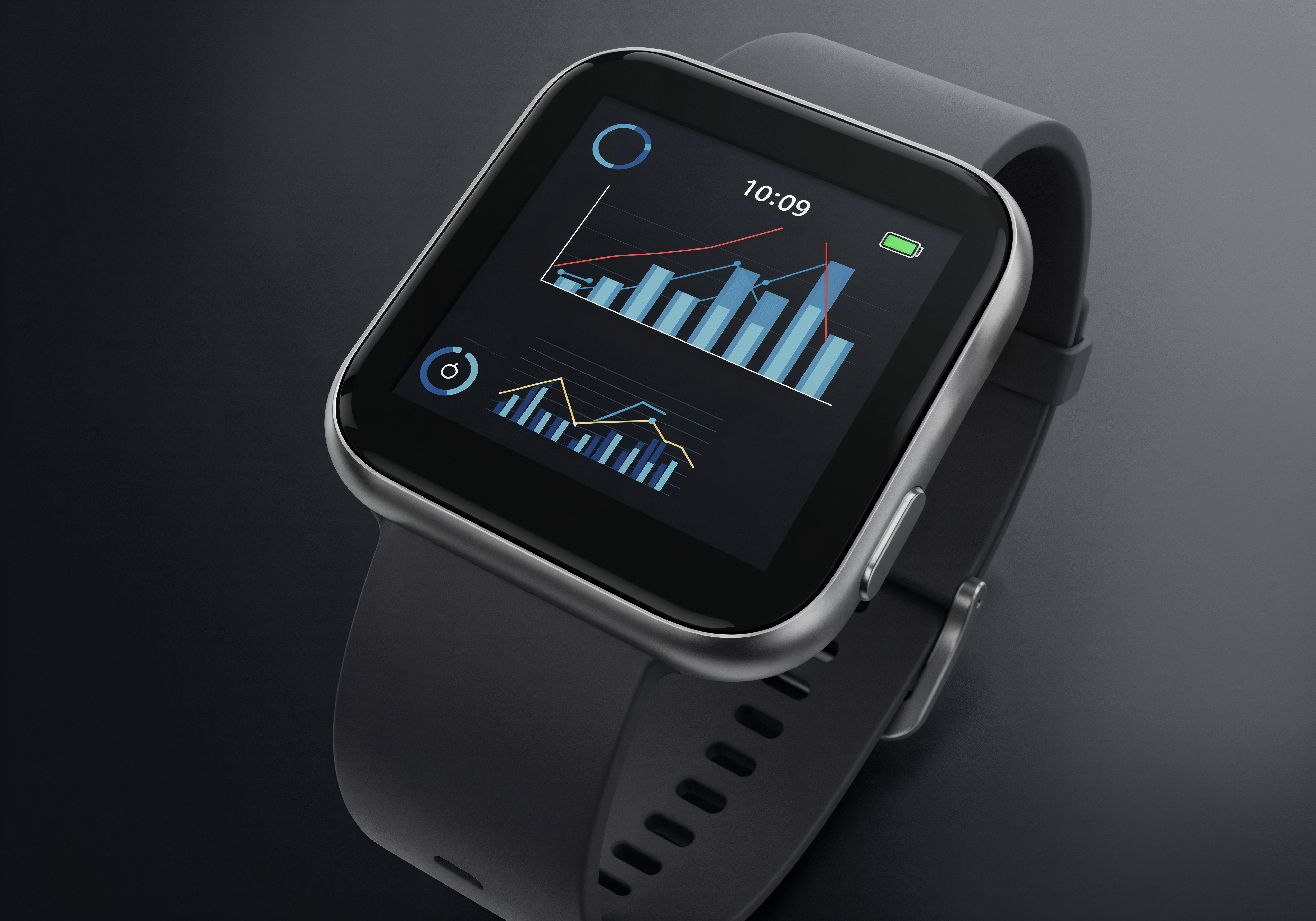
Smartwatches, fitness trackers, and medical wearables. Ultra-low 16 KB RAM footprint and low-power display management for battery-constrained devices.
Sparklet was designed around the constraints that real-time embedded engineers encounter every programme cycle. These six properties set it apart from adapted desktop frameworks and open-source alternatives.
Dirty-region rendering updates only changed screen areas each frame — keeping CPU load predictable and frame latency below 16 ms even on MCUs without GPU acceleration.
MISRA C compliant source code delivered in full for customer audit — a prerequisite for ISO 26262 ASIL and IEC 61508 SIL software integration. No binary-only delivery.
Single-thread API model works identically on bare metal, FreeRTOS, Azure RTOS, Zephyr, QNX, and ITRON. No cross-task mutex management for widget state.
16 KB minimum RAM footprint — suitable for the most cost-sensitive MCUs used in consumer appliances, industrial panels, and wearable devices.
HAL-abstracted GPU and 2D accelerator support for D/AVE2D (RH850), DMA2D (STM32), PXP (NXP RT), and Mali (RA8D1, i.MX 8) — enabling 60 fps on mid-range MCUs.
Per-developer-seat licensing with zero per-unit royalties. Whether deploying on 10,000 or 10,000,000 devices — the runtime cost is always zero. Critical for automotive and consumer production volumes.
| Industry | Typical Platform | Rendering Mode | Min RAM | RTOS / OS |
|---|---|---|---|---|
| Automotive HMI | Renesas RH850, NXP i.MX 8 | 2.5D / 3D | 64–200 KB | Bare metal, Linux, QNX |
| Industrial HMI | Renesas RA8D1, STM32H7 | 2D SW / 2.5D | 32–128 KB | FreeRTOS, Bare metal |
| Medical Devices | STM32H7, NXP i.MX RT1170 | 2D SW / 2.5D | 32–64 KB | FreeRTOS, Azure RTOS |
| Home Automation | STM32F4/H7, Nuvoton | 2D SW | 16–64 KB | FreeRTOS, Bare metal |
| Consumer Electronics | NXP i.MX RT1170, STM32H7 | 2D SW / 2.5D | 32–128 KB | FreeRTOS, Linux |
| Wearables | STM32U5, Nuvoton | 2D SW | 16–32 KB | FreeRTOS, Bare metal |
In a real-time embedded system, the display pipeline must complete within a bounded time window — typically one display refresh cycle (16 ms for 60 fps, 33 ms for 30 fps). Missing this window causes visible tearing, frame drops, or — in safety-critical applications — regulatory non-compliance.
Frame latency is the time between a data change (e.g. engine speed update) and its appearance on screen. Sparklet's rendering architecture processes dirty regions only — not the full framebuffer — keeping frame latency low even on MCUs without GPU acceleration.
Touch response time is the interval between a touch event and visible UI feedback. Human perception detects latency above ~80 ms as sluggish. Sparklet's event loop is decoupled from rendering, ensuring touch events are processed in the same RTOS tick they arrive.
RTOS integration is the mechanism by which the GUI thread coexists with real-time data acquisition tasks. Sparklet uses a single-thread model with a message queue — all API calls are made from one designated task, eliminating the need for mutex-guarded widget state. This simplifies certification and reduces integration risk across FreeRTOS, Azure RTOS, Zephyr, QNX, and bare-metal loops.
Together, these properties make Sparklet the correct choice wherever display correctness is part of the product specification — not an afterthought. See performance benchmarks and RTOS support details for technical specifics.
Embedded GUI for real-time applications refers to display interfaces integrated into systems with deterministic timing constraints — such as automotive ECUs, industrial PLCs, medical monitors, and consumer appliances — where rendering latency, touch response time, and frame consistency are part of the functional specification. Sparklet is designed specifically for these systems, using a pure C architecture with a 16 KB minimum RAM footprint and RTOS-aware single-thread API model.
Download the evaluation binary for your target platform, explore Flint UI Designer, and run sample projects on your hardware — all at no cost. Contact Embien's engineers to discuss your specific display, RTOS, and performance requirements.