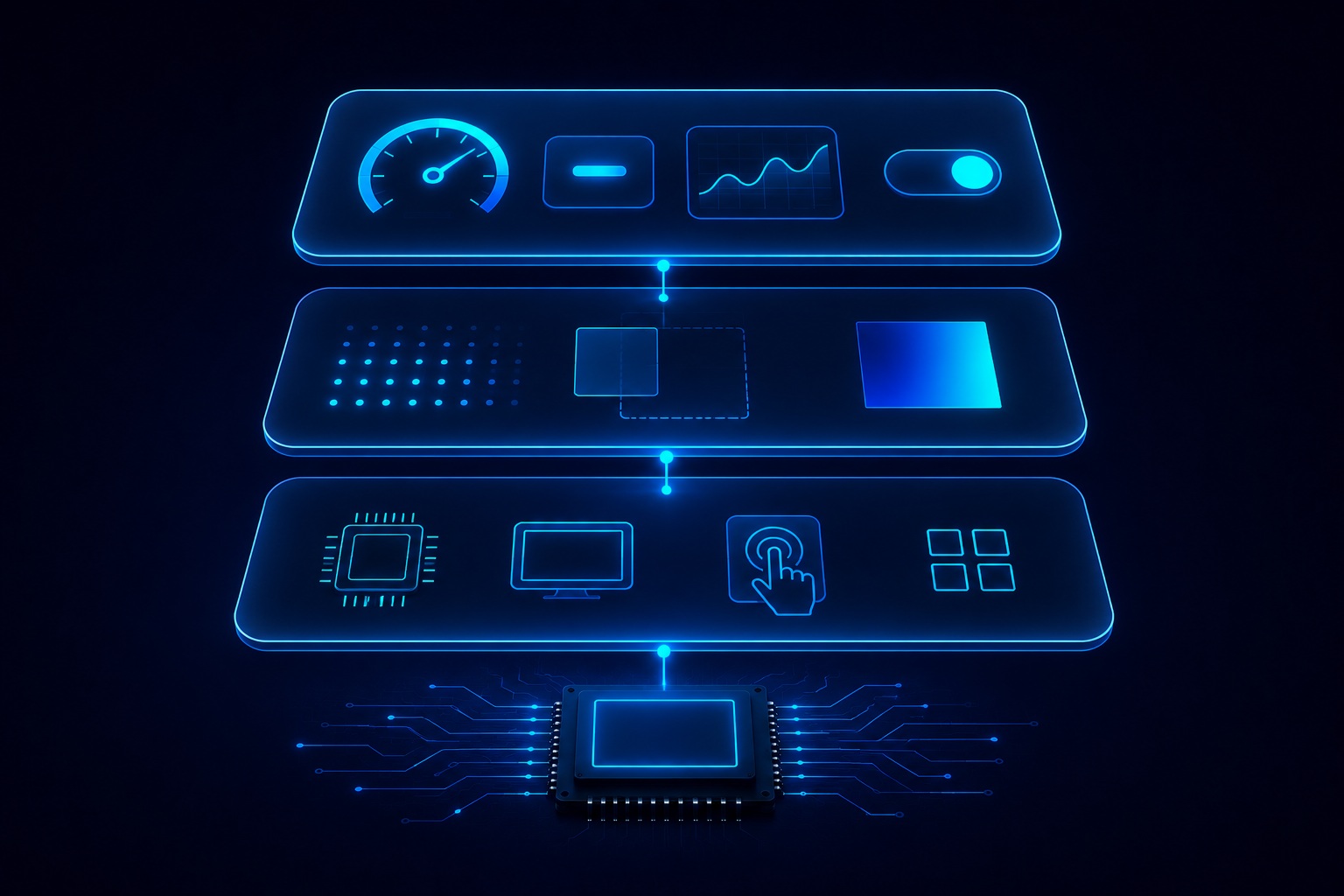
Inside an Embedded GUI Framework
Four architectural layers that every production embedded GUI must address — from pixel rendering to hardware abstraction.
How Pixels Reach the Display
The rendering engine draws pixels to the display framebuffer — a region of RAM that mirrors the display contents. On hardware with 2D GPU peripherals (DMA2D on STM32, D/AVE2D on Renesas, PXP on NXP), the rendering engine offloads blend, blit, and fill operations to hardware, freeing the main CPU for application logic.
Software rendering does all work in CPU cycles — viable on cost-effective MCUs where a GPU is not present or not needed at the target frame rate. The rendering architecture determines achievable frame rate, CPU budget for application code, and power consumption.
- 2D software renderer — minimal hardware requirement, runs on all MCUs
- 2D hardware-accelerated — 60 fps on crossover MCUs with DMA2D / D/AVE2D / PXP
- 3D OpenGL ES / Vulkan — MPU-class hardware, digital twin and AR/VR applications
See Hardware Acceleration for platform-specific details.

RAM and Flash: The Defining Constraints of Embedded GUI
Desktop GUIs operate in gigabytes; embedded GUIs operate in kilobytes. Every widget rendered, every font loaded, and every image decoded costs RAM and Flash. The GUI framework must expose these costs explicitly and allow the developer to control them — there is no virtual memory manager to absorb overflows.
- Framebuffer RAM — a 480×272 display at 16 bpp requires ~250 KB. Double-buffering doubles this.
- Widget and screen memory — allocated from statically defined pools; no heap allocation in safety-grade frameworks.
- Font and image Flash — pre-compiled font bitmaps and compressed image assets stored in Flash, decoded on demand.
- Typical production range — 16 KB RAM (simple display) to 200 KB RAM (complex animated multi-screen UI).
See Performance & Memory for platform-specific RAM and Flash benchmark data.
Why Deterministic Frame Timing Matters
Automotive clusters, industrial alarm displays, and medical monitors cannot miss a render cycle. A desktop GUI that drops a frame degrades user experience. An automotive cluster that misses a render cycle may trigger a safety violation — the warning indicator failed to appear within the required latency.
Deterministic execution is a design requirement, not a bonus feature, for production embedded GUIs. This means:
- No garbage collection or dynamic heap activity during rendering
- No unbounded loops — all widget traversal has a provable maximum iteration count
- No blocking I/O in the render path
- Worst-Case Execution Time (WCET) analysis supported by the framework architecture
HAL: The Portability Layer
The Hardware Abstraction Layer (HAL) separates platform-independent GUI code from hardware-specific display driver code. It provides a standardised interface for: writing pixels to the framebuffer, reading touch input coordinates, managing display timing and backlight, and optionally programming 2D GPU hardware.
A well-designed HAL is the reason the same widget code runs unchanged on Renesas RH850, NXP i.MX RT1170, STM32H7, or Linux SDL2 — only the HAL implementation changes per platform. This protects the UI investment across hardware generations and platform changes.
See Platform Porting for details on HAL bring-up for custom hardware.