Four Memory Reduction Strategies
Each technique targets a different component of total embedded GUI memory usage — apply them independently or in combination for maximum savings.
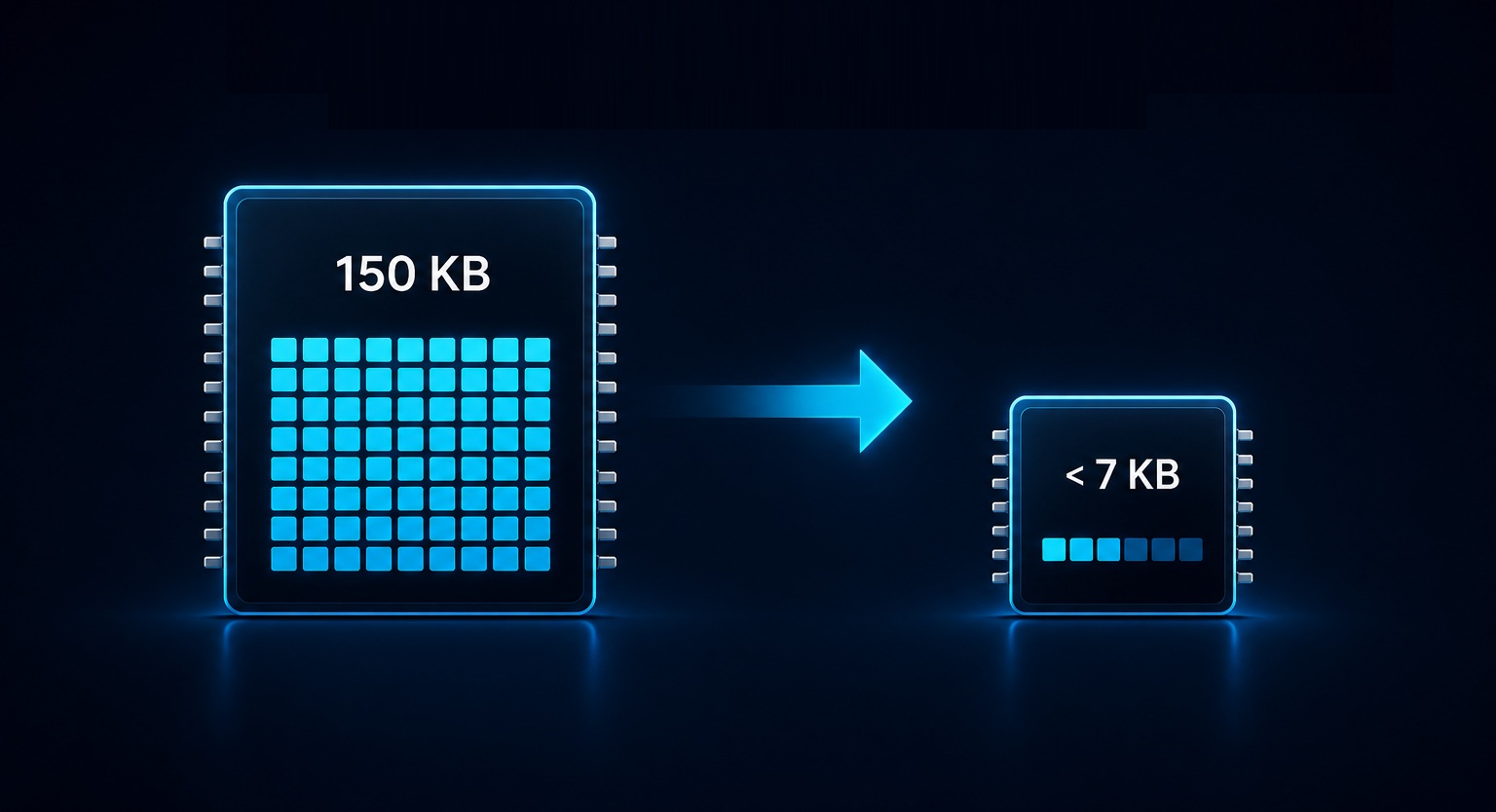
Framebuffer RAM: From 150 KB to Under 7 KB With Partial Buffer Mode
The framebuffer is the single largest RAM consumer in any embedded GUI project. For a 320×240 RGB565 display, a full framebuffer requires 150 KB. The most impactful single change is switching to partial buffer mode — Sparklet allocates a strip buffer covering only a configurable number of scan lines and makes multiple renderer passes per frame, flushing each strip via DMA while computing the next.
Strip sizes and their framebuffer RAM costs for a 320-wide RGB565 display:
- Full framebuffer (240 lines): 150 KB
- 32-line strip: 320 × 32 × 2 = 20 KB
- 16-line strip: 320 × 16 × 2 = 10 KB
- 10-line strip: 320 × 10 × 2 = 6.4 KB (minimum practical for most displays)
This 24× reduction is the single most impactful memory saving available. CPU overhead increases slightly due to multi-pass rendering, but hardware DMA transfers overlap with the next strip computation, keeping net throughput loss typically below 15%. Strip height is a single parameter in the Sparklet HAL initialisation call.
Colour Depth Reduction: Halve or Quarter Framebuffer RAM With One Build Change
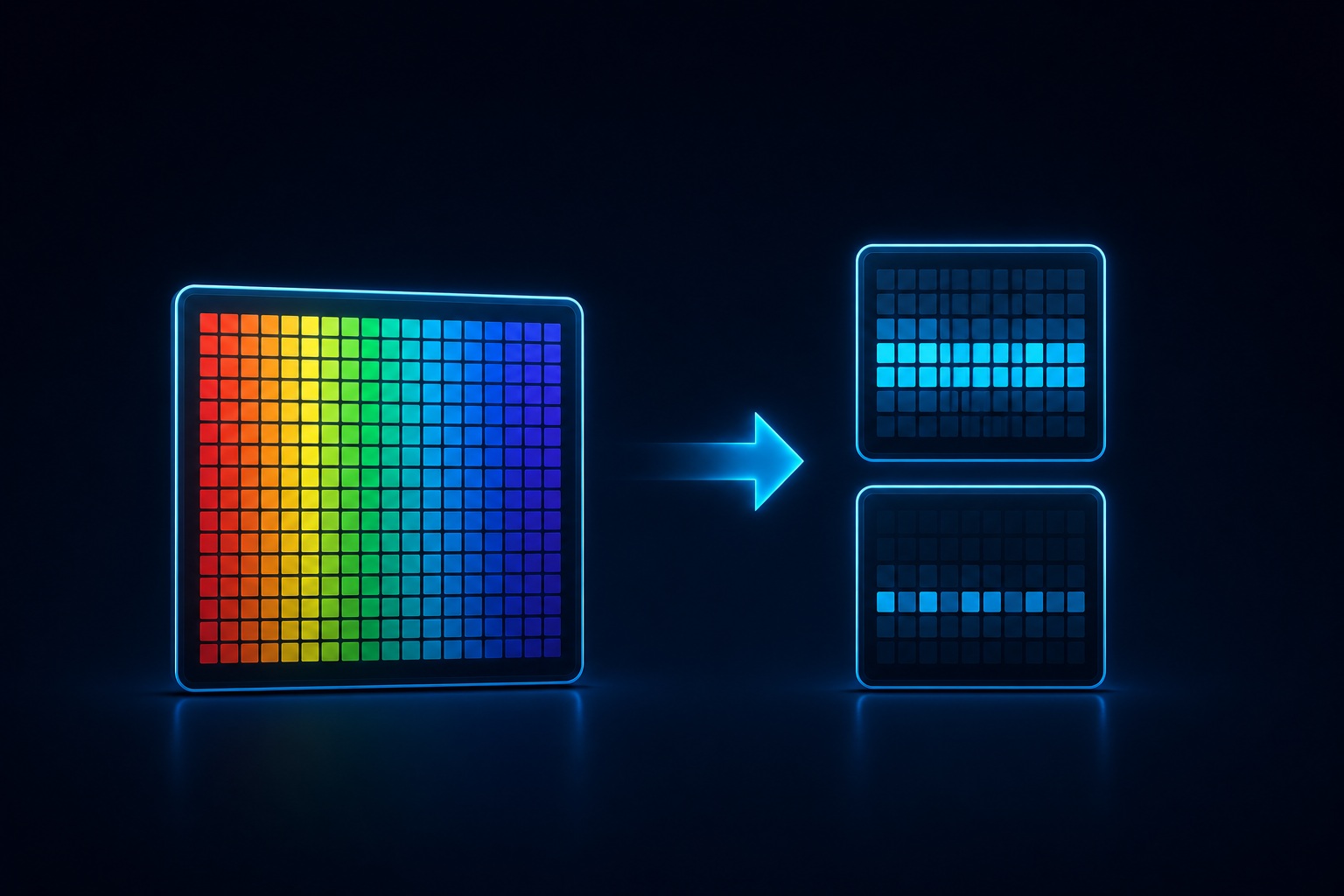
Dropping colour depth directly halves or quarters the framebuffer RAM requirement. Sparklet supports 8-, 16-, and 32-bit colour depths, configurable at build time without code changes. For a 320×240 display the framebuffer sizes are:
- 32-bit ARGB: 300 KB per framebuffer
- 16-bit RGB565: 150 KB per framebuffer
- 8-bit palette/greyscale: 75 KB per framebuffer
For most industrial LCDs and automotive TFTs, 16-bit colour is visually indistinguishable from 32-bit on the panel hardware. 8-bit is appropriate for medical status displays, simple HMIs, and greyscale e-paper panels. Combined with a 10-line partial buffer, 8-bit colour drops the total framebuffer RAM to 3.2 KB for a 320-wide display — enough to fit alongside a 16 KB Sparklet core on the smallest cost-effective MCUs.
Asset Flash: Compressed Fonts and PNG Images Save 50–70% of Flash
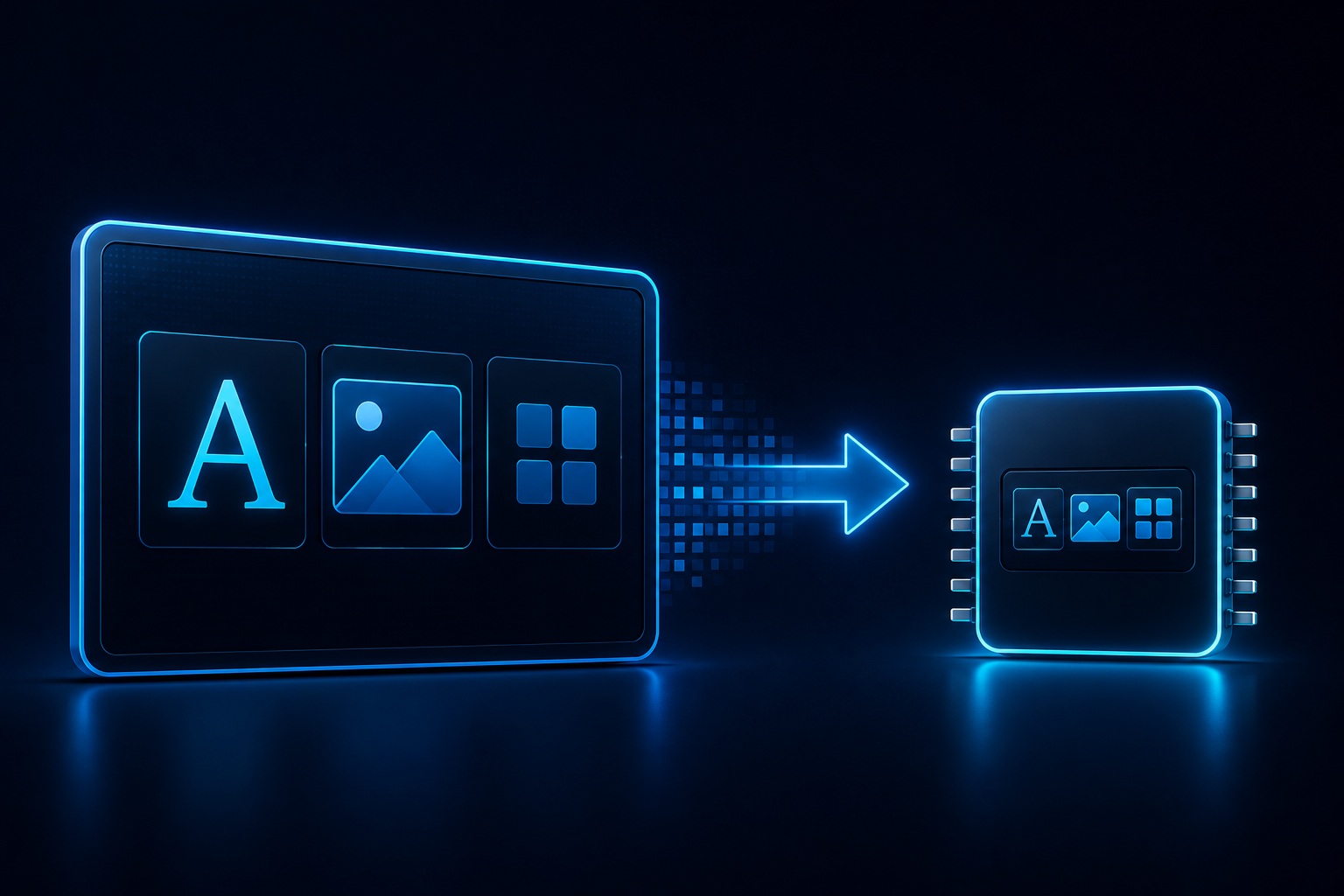
Flash is often overlooked in the memory budget conversation. A single 24pt anti-aliased Unicode font covering the Latin character set can occupy 80–120 KB of Flash. A background image at full RGB565 resolution occupies width × height × 2 bytes — 150 KB for a 320×240 background alone. Two fonts and two background images can consume over 500 KB of Flash before any application code is included.
Sparklet compressed font format stores glyph data in a compressed binary format and decompresses on first use into the runtime glyph cache. This reduces the Flash footprint of font assets by 50–70% compared to uncompressed bitmap fonts. PNG image support allows background images to be stored as compressed PNG files in Flash — a 320×240 background that occupies 150 KB as raw RGB565 may compress to 15–40 KB as PNG. Decode is performed at render time with negligible overhead on Cortex-M4 and faster cores.
- Flint UI Designer exports fonts directly in Sparklet's compressed format — no manual conversion
- Flint provides a real-time asset size report during design — Flash impact visible before build
- PNG decode buffer: ~5–10 KB RAM, reused across decode operations
Widget RAM: Selective Inclusion and Virtual Scrolling for Minimal Core Size
Every widget type compiled into the Sparklet library adds static code and data overhead — even widget types your application never instantiates. Sparklet's build configuration supports feature-level inclusion: disable widget types not used in your application to reduce both Flash (code size) and RAM (static descriptor tables).
An application using only Button, TextArea, and ProgressBar can exclude Graph, Carousel, 3DWidget, and the 30+ other widget types entirely. Typical code-size saving per excluded widget type: 2–8 KB of Flash. Widget pooling (virtual scrolling) addresses heap fragmentation in list-heavy applications — Sparklet's ScrollView and ListView maintain a fixed pool of widget instances recycled as the user scrolls. For a 1000-item list, this reduces live widget RAM from 1000 × (widget size) to 10–15 × (widget size) — a 60–100× saving.
- Feature flags in
sparklet_config.h— one line per widget type to exclude - Virtual scrolling: data provided via callback, no pre-instantiation required
- Flint build validates that no excluded widget type is referenced in the project