Build CarPlay-ready, Android Auto-enabled in-vehicle infotainment displays in pure C. Sparklet powers responsive touch UIs, ADAS camera overlays, and 3D animated interfaces on NXP i.MX 8 and i.MX RT1170 — royalty-free, for every unit you ship.
Automotive infotainment embedded GUI is the software layer that drives the central touchscreen in a vehicle — combining navigation, media playback, phone connectivity, climate controls, vehicle settings, and ADAS camera feeds into a single responsive interface. A modern IVI (In-Vehicle Infotainment) system must handle multi-touch gestures, animate between screens fluidly, mirror a smartphone screen via CarPlay or Android Auto, render a live rear-view or surround-view camera, and respond to voice input — all simultaneously, without blocking vehicle safety systems.
Sparklet provides the embedded GUI foundation for precisely this level of complexity. Its 3D rendering pipeline (OpenGL ES / Vulkan) on NXP i.MX 8 delivers the rich animated transitions an IVI demands, while built-in CarPlay and Android Auto support in the Flint UI Designer means these advanced features require no low-level integration code. For a broader view of Sparklet's automotive capabilities, see the automotive HMI demos page.
Build full-featured connected IVI screens — navigation with live map tiles, media player with album art transitions, Bluetooth call management, vehicle settings panel, and CAN data dashboard. Sparklet's Tab, Carousel, and ScrollView widgets provide the swipe-to-navigate UX drivers expect, with momentum scrolling, snap-to-item behaviour, and programmable inertia curves all built in. Widget layout and screen transitions are designed visually in Flint UI Designer and exported as optimised C code.
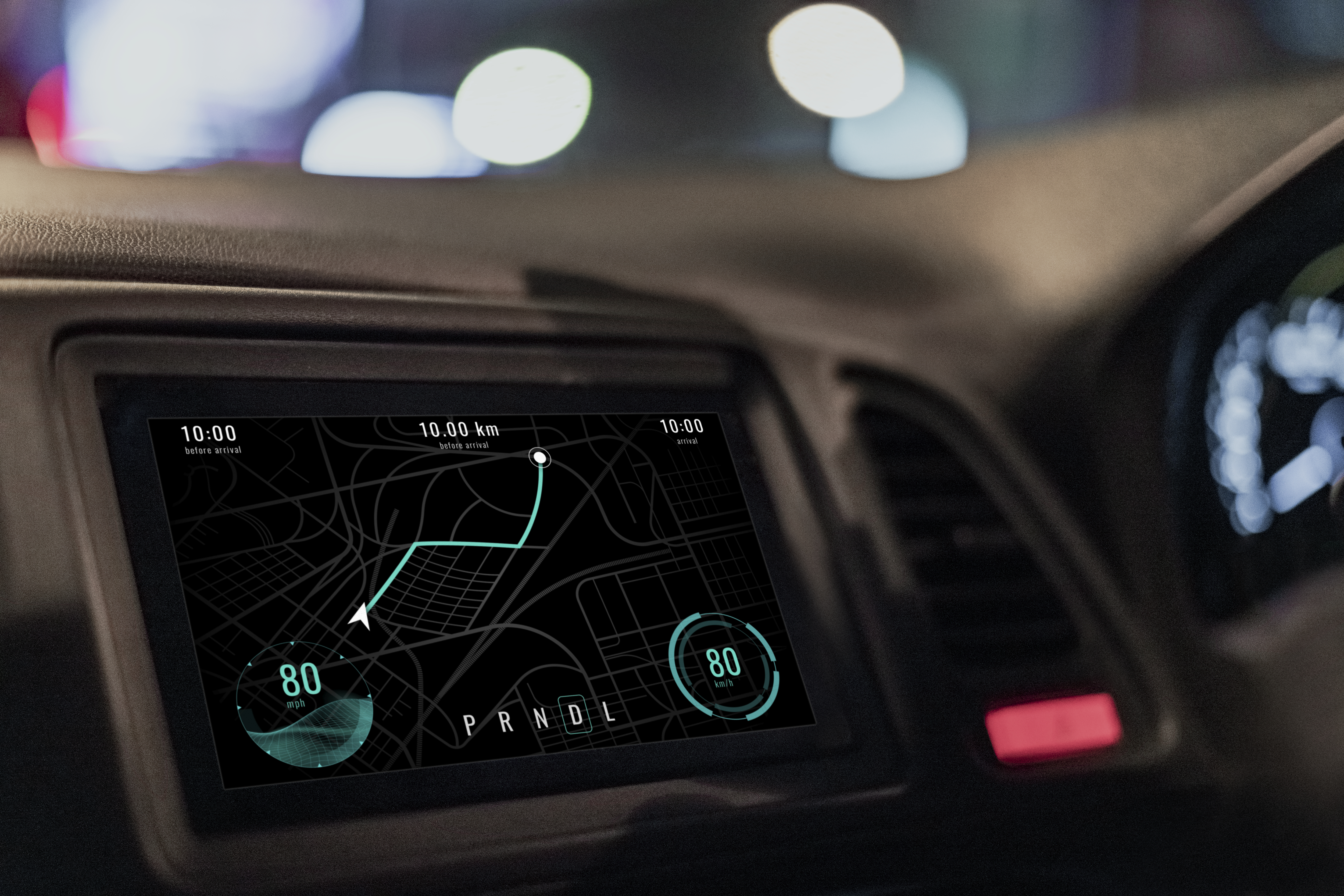
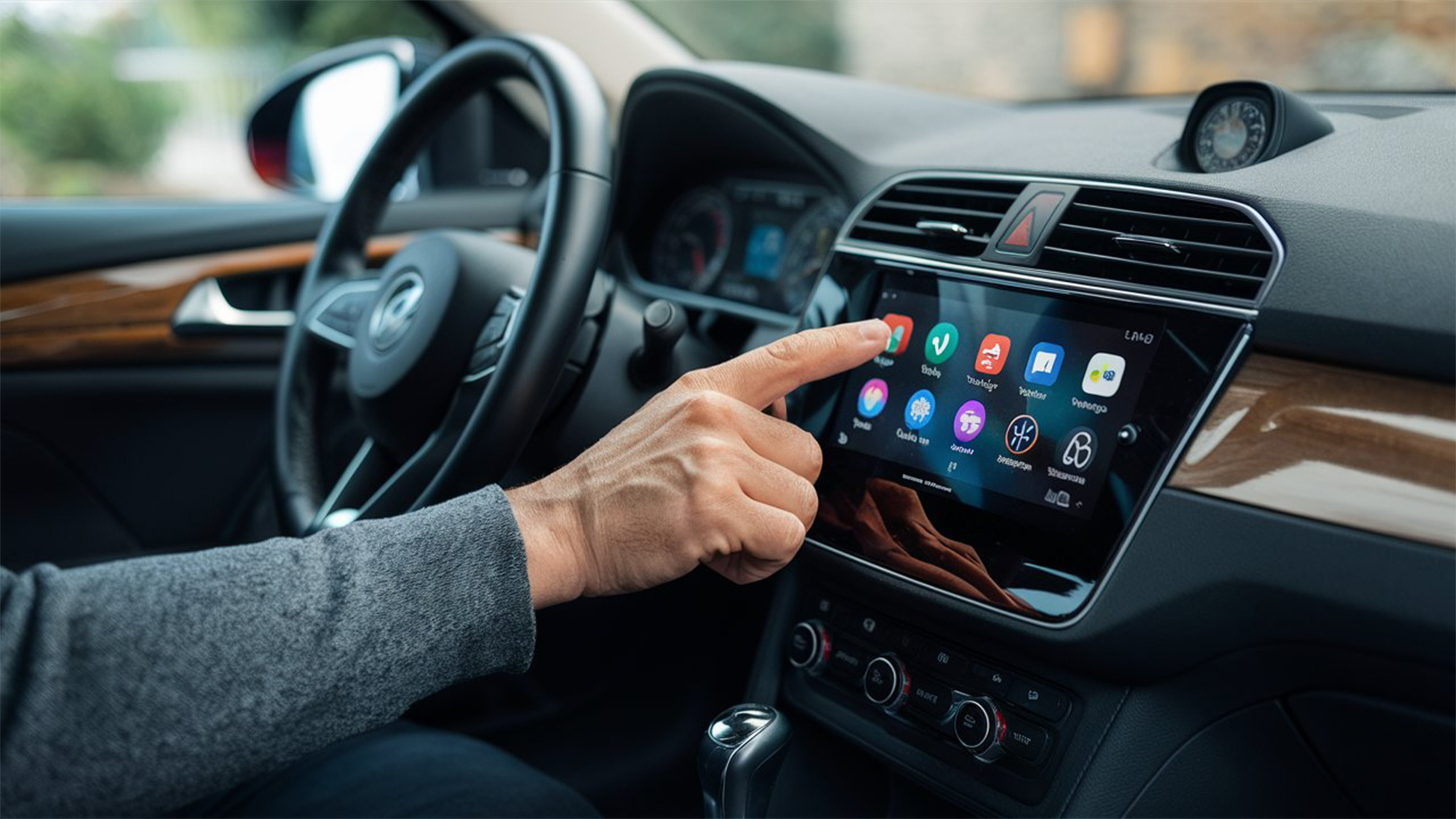
Flint's IVI configuration includes built-in support for CarPlay and Android Auto screen mirroring protocols. Rather than implementing the iAP2 or AOA protocol stack in the GUI layer, Sparklet handles received screen frames as a hardware layer, compositing the mirrored content with native vehicle UI elements — warning overlays, climate status, speed — without the mirroring session needing to interact with the vehicle GUI at all. This eliminates months of protocol integration work from the IVI development schedule.
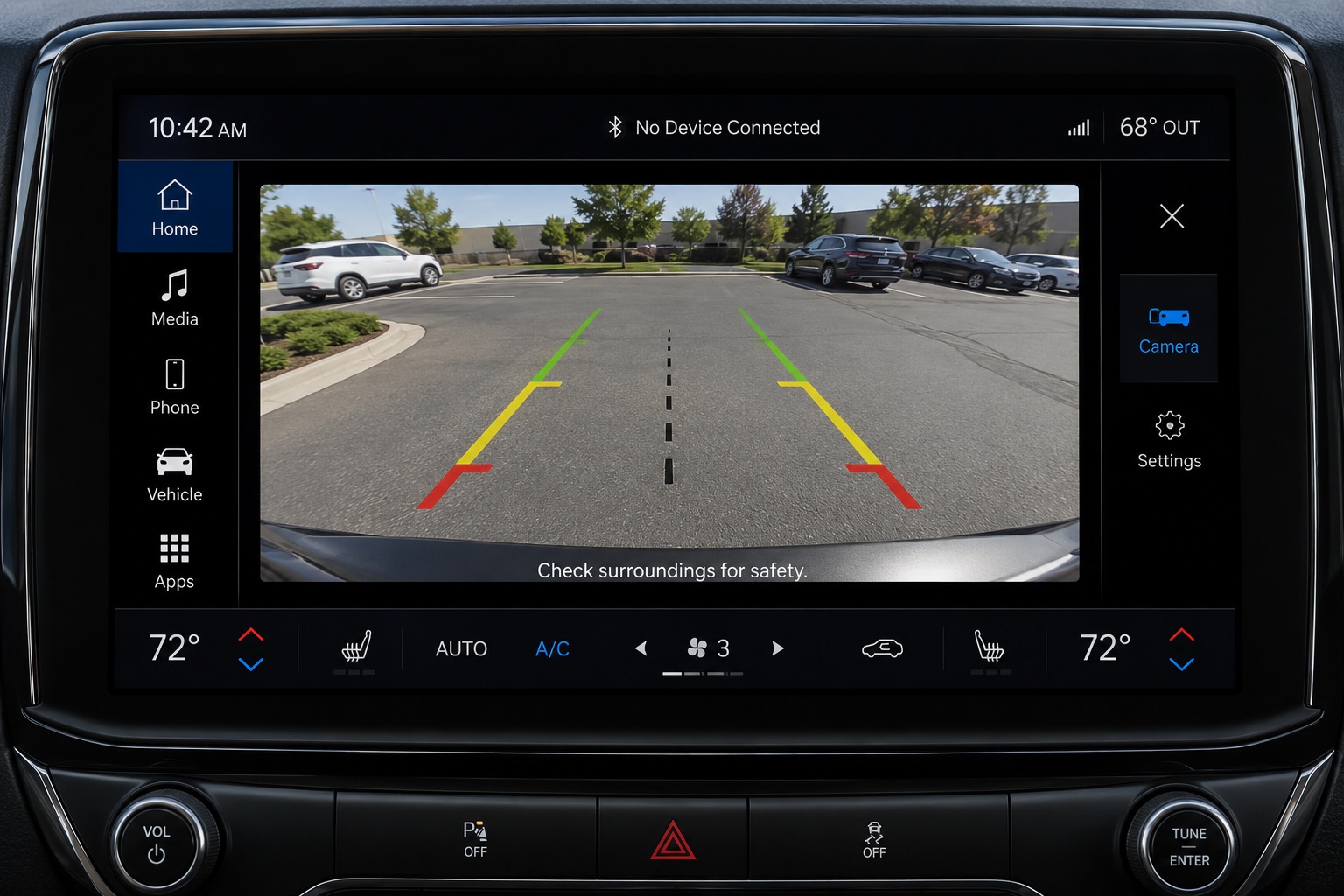
Flint provides a camera-feed widget that accepts a YUV or RGB frame buffer from the camera ISP and renders it as a background layer beneath GUI elements. Parking guidelines, object-detection bounding boxes, and proximity warning bars are drawn as vector overlays on top of the live frame in the same rendering pass — with no software pixel copy and sub-50ms end-to-end latency. Rear-view, front-facing, and surround-view configurations are all supported.
For a deep dive into ADAS overlay engineering, see the ADAS embedded display GUI page.

Sparklet has powered IVI demos on NXP i.MX 8 featuring full Android Auto operation — navigation, media controls, phone connectivity, and real-time vehicle data integration. The same framework is equally at home on the lower-cost NXP i.MX RT1170 for mid-range IVI programs, using the PXP (Pixel Pipeline) hardware for 2D acceleration and delivering smooth animated IVI UIs without requiring Linux or Android.
For premium IVI programs on NXP i.MX 8 with its Vivante GC7000 GPU, Sparklet's 3D rendering pipeline uses OpenGL ES and Vulkan to animate 3D UI elements — rotating album art, 3D map perspective, animated climate dials — at full display resolution and 60fps. 3D widget assets are imported from .obj or .fbx files in Flint and placed on screen as 3DWidget or 3DView elements. The 3D graphics page covers the full pipeline configuration.
Both platforms have validated Sparklet HALs, BSP integration notes, and demo IVI projects. Porting the IVI UI from i.MX RT1170 to i.MX 8 requires only HAL layer changes — all screen code, widget logic, and state machine transitions remain identical. The NXP embedded GUI page provides full platform specifications and HAL download instructions.
| IVI Requirement | Typical Threshold | Sparklet Capability |
|---|---|---|
| Touch Response Latency | < 80 ms end-to-end | Sub-50 ms on i.MX hardware; same-tick touch processing |
| CarPlay / Android Auto | Native screen mirroring | Built-in Flint configuration; hardware layer compositing |
| Camera Overlay Latency | < 50 ms frame-to-display | Hardware layer; < 16 ms compositing step at 60 fps |
| 3D UI Rendering | 60 fps on GPU platform | OpenGL ES / Vulkan on i.MX 8 Vivante GC7000 |
| Multi-Display Output | Cluster + IVI independent | Supported on i.MX 8 with separate render contexts |
| Multi-Language Support | Full Unicode + RTL | Built-in; single firmware build, runtime locale switch |
| Royalty Model | Zero per-unit fee | Developer-seat licence; deploy on every vehicle shipped |
| MISRA C Compliance | Required for ISO 26262 | Full MISRA C source; no waivers needed |

Sparklet processes touch events in the same render cycle, delivering responsive swipe, pinch-zoom, and long-press gestures that match smartphone expectations on automotive hardware.

Ship on every vehicle without any per-unit licence fee. Sparklet's developer-seat model means your IVI licensing cost is fixed regardless of production volume — critical for OEM and Tier 1 programs.

Design full IVI screen layouts, CarPlay overlays, and state machine transitions in Flint's WYSIWYG canvas. Export production-ready C code and iterate HMI reviews in hours, not weeks.

The same Sparklet codebase targets i.MX RT1170 (PXP) for mid-range IVI and i.MX 8 (Vivante GPU) for premium 3D IVI. HAL-only changes between platforms protect your HMI investment across program generations.
Yes. Flint UI Designer includes built-in configuration for CarPlay and Android Auto screen mirroring. The mirrored smartphone screen is rendered as a hardware layer that Sparklet composites with native vehicle UI elements — speed overlay, climate status, warning icons — without the mirroring session interfering with the vehicle GUI layer.
Download the Sparklet evaluation binary for NXP i.MX 8 or i.MX RT1170, load the IVI demo project in Flint, and see CarPlay-ready infotainment rendering on your hardware within a day.