Digital Instrument Cluster GUI Development with Sparklet

Build production-grade digital instrument cluster GUIs in pure C — hardware-accelerated, MISRA C compliant, and proven on Renesas RH850 and RA8D1. From needle animations to real-time CAN data, Sparklet delivers the performance your cluster demands.

What Is a Digital Instrument Cluster GUI?

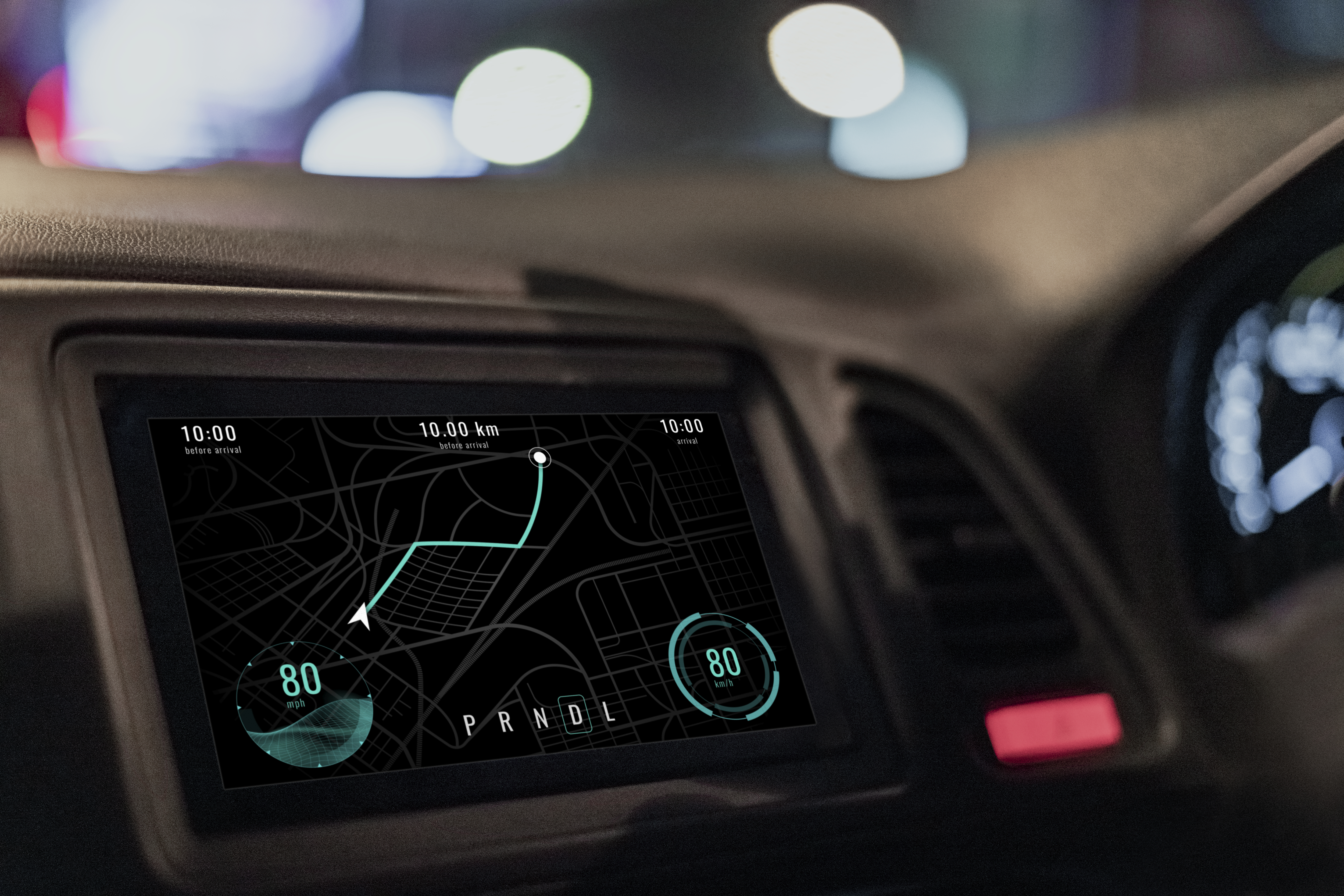
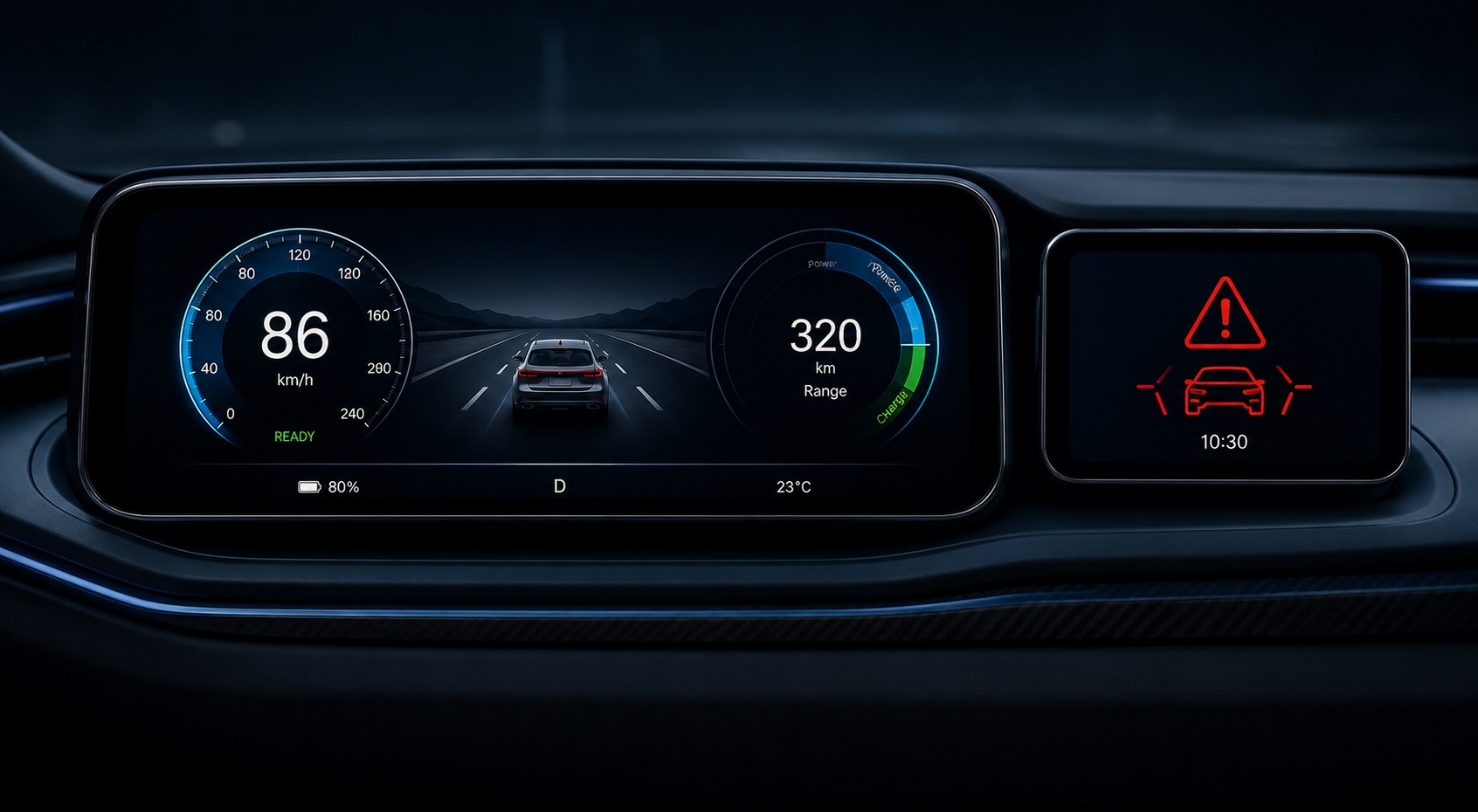
A digital instrument cluster GUI (DIS — Digital Instrument System) is the embedded display software that drives the full-colour TFT screen replacing traditional analog gauges in modern vehicles. It renders speed, RPM, fuel level, battery charge, range, warning icons, and navigation prompts in real time — all from live CAN bus data streams — at frame rates of 60fps or higher. Unlike a static HMI panel, an instrument cluster display must boot in under two seconds, sustain smooth animation through the full operating temperature range (−40 °C to +125 °C), and meet automotive functional-safety requirements.

Sparklet is purpose-built for exactly this workload. Its hardware acceleration layer exploits the D/AVE2D GPU on Renesas RH850 and the Mali-Limav GPU on RA8D1 to keep the CPU free for vehicle logic, while its MISRA C compliant codebase satisfies the safety and audit requirements common to automotive HMI projects.

How Sparklet Powers Digital Instrument Clusters

Automotive-Grade Safety

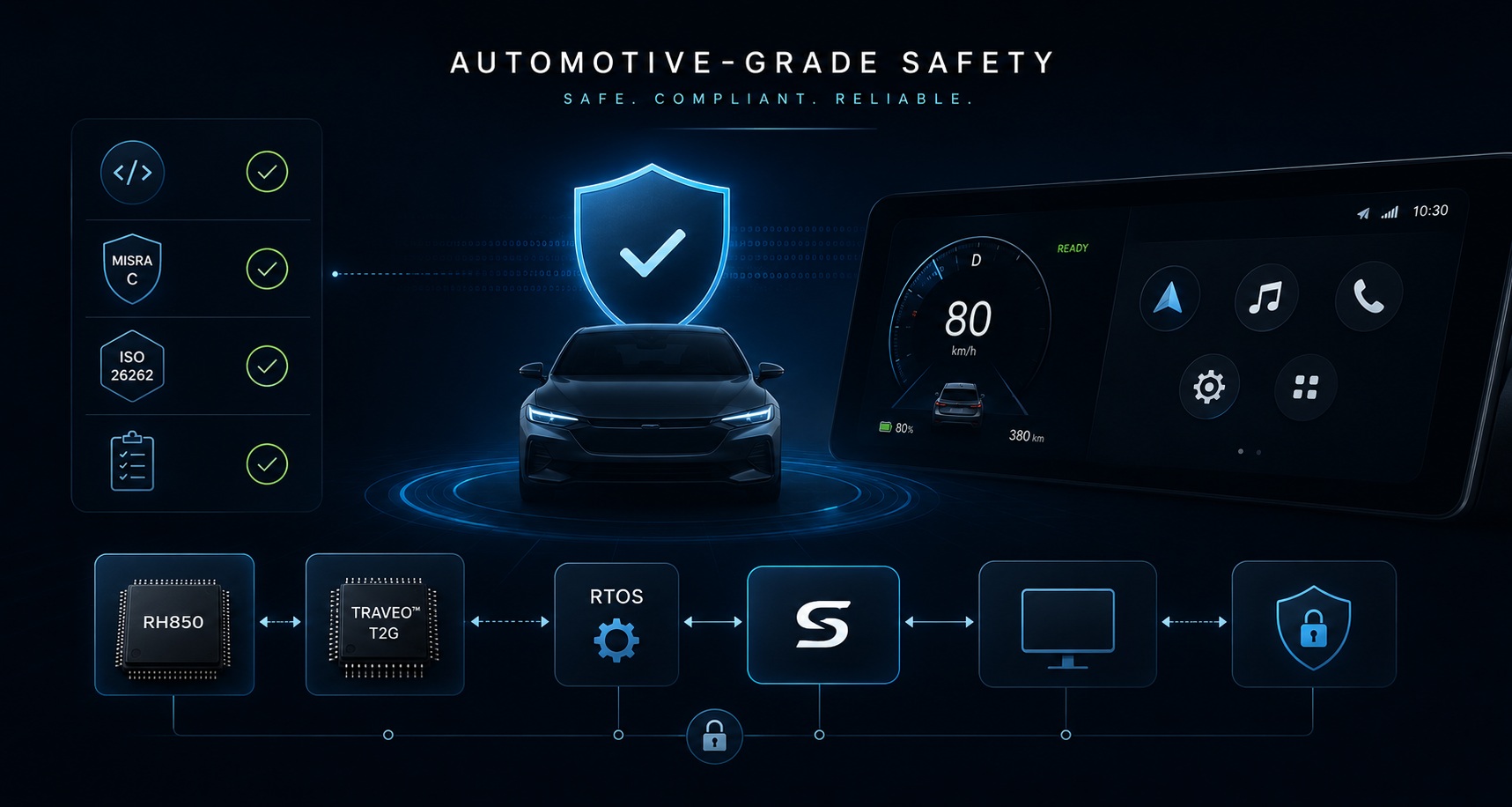
Every line of Sparklet source code is written to MISRA C guidelines. This means the GUI library does not introduce MISRA deviations into an otherwise compliant codebase — a significant audit saving on ISO 26262 programs. Automotive projects on Renesas RH850 and Infineon TRAVEO T2G benefit directly: the GUI stack passes safety reviews without special waivers or deviation documentation. Combined with Sparklet's deterministic single-threaded render loop and RTOS integration, the software architecture is transparent and auditable throughout.

See automotive HMI demos for production context.
What Makes Automotive Cluster GUI Development Challenging?

A digital instrument cluster imposes constraints that generic GUI frameworks cannot handle efficiently:

Sparklet addresses every one of these constraints directly. Its 7-layer architecture separates the HAL (hardware abstraction) from the rendering core, so porting to a new cluster MCU means only modifying the bottom layer — not rewriting your screens. Explore Sparklet's memory and performance benchmarks for cluster-class hardware.

Digital Cluster Platform Guide — Sparklet

PlatformGPU / AcceleratorTypical DisplayRAM BudgetKey Sparklet Feature
Renesas RH850D/AVE2D (DRW)4.3"–7" TFT32–64 KBHardware blit, alpha-blend, MISRA C
Renesas RA8D1Mali-Limav GPU7"–10" TFT64–128 KB3D widget support, OpenGL ES pipeline
NXP i.MX RT1170PXP pixel pipeline10"–12.3" TFT64–200 KBDual-display, 60fps at 1280×480
Infineon TRAVEO T2G2D accel4.3"–7" TFT32–64 KBValidated HAL, BSP example project
STM32H7DMA2D / Chrom-ART4.3"–7" TFT32–64 KBDMA2D offload, MISRA C

Five Reasons Engineers Choose Sparklet for Cluster GUI

From hardware acceleration to royalty-free licensing, Sparklet removes the constraints that slow down digital cluster programs.
Real-Time Rendering

Sustained 60fps Rendering

Hardware-accelerated rendering on D/AVE2D (RH850), Mali GPU (RA8D1), and DMA2D (STM32) keeps needle animations and CAN data updates smooth at 60fps — without burdening the CPU.

MISRA C Safety

MISRA C Compliant Codebase

Every line of Sparklet is written to MISRA C guidelines. Add a safety-critical display layer to your ISO 26262 program without introducing MISRA deviations or audit risk.

Compact Footprint

Automotive MCU Memory Budget

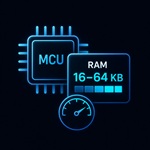
Sparklet runs comfortably in 16–64 KB RAM on cluster-class MCUs. A full 4.3" cluster screen including fonts, icons, and animation fits within a typical RH850 or RA6M3 memory map.

Flint Designer

Rapid Layout with Flint Designer

Design cluster screens in Flint, bind CAN signals to widget properties, define needle-sweep animations on a timeline, and export optimised C code — no manual UI coding required.

Multi-Platform

Multi-Platform Portability

Migrate from RH850 to RA8D1, TRAVEO T2G, or i.MX RT1170 by swapping the HAL layer. Screen code and widget logic remain untouched across every cluster silicon generation.

Production Case Study: RH850 Electric Two-Wheeler Cluster

Embien developed a full digital instrument cluster for an electric two-wheeler program using Sparklet on Renesas RH850. The 5-inch TFT display renders a live speedometer, battery state-of-charge arc, range indicator, gear position, and warning icons — all from CAN bus data — at 60fps. The project delivered:

The same codebase has been ported to a commercial-vehicle cluster on NXP i.MX RT1170 with minimal HAL changes, demonstrating Sparklet's cross-platform value for cluster programmes that span multiple vehicle segments. Visit the automotive HMI demos page to watch the cluster demo video.

FAQs: Digital Instrument Cluster GUI Development

Sparklet has production deployments on Renesas RH850 (automotive-grade, D/AVE2D accelerator), Renesas RA8D1 (Mali-Limav GPU), NXP i.MX RT1170, and Infineon TRAVEO T2G. It also runs on STM32H7 (DMA2D) and the Windows x86 simulator for PC-side development. Contact Embien if your cluster silicon is not listed — porting engagements are available.

Start Your Digital Cluster GUI Project Today

Download the free Sparklet evaluation binary for Renesas RH850, RA8D1, or NXP i.MX RT1170, and build your first cluster screen in Flint within a day. Our engineers are available to support your integration.