
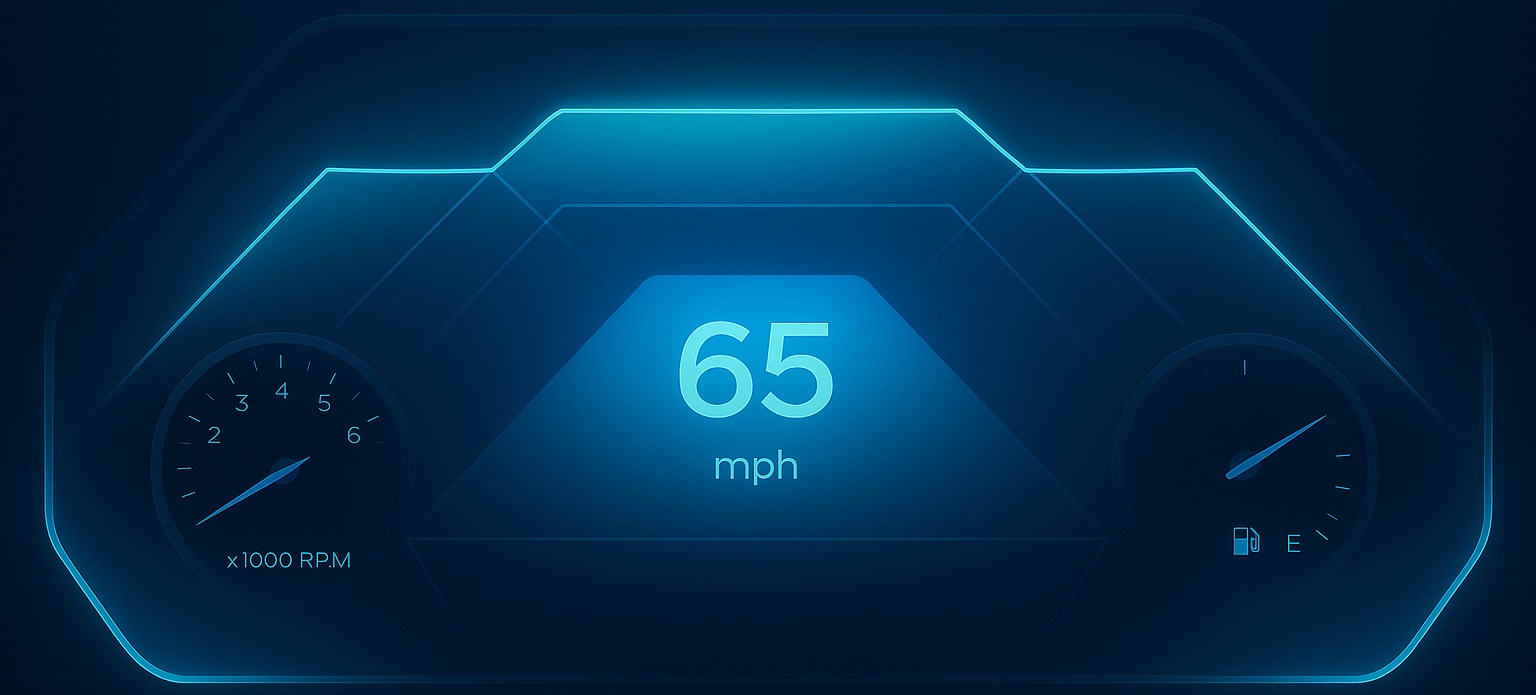
Modern embedded interfaces demand richer animations, smoother transitions, and more dynamic visual effects — especially in domains like automotive clusters, industrial HMIs, and consumer IoT displays. To empower designers and developers with greater visual control, Sparklet introduces a powerful new feature: the Dynamic Mask Effect.
This enhancement allows you to dynamically hide or reveal specific parts of a widget at runtime using shape-based masking — optimized for high performance even on resource-constrained MCUs.
What is a Dynamic Mask Effect?
A dynamic mask effect allows you to selectively hide or reveal portions of a UI widget based on a pre-defined or dynamically changing shape. Think of it as using a digital stencil: only the content that falls within the "cut-out" shape is visible.
In the context of embedded UI/UX, particularly for automotive clusters, HMI applications, and industrial dashboards, dynamic masking is critical for:
- Data Visualization: Creating expressive gauges and indicators that fill up or drain.
- Transitions: Implementing elegant wipe-in/wipe-out effects or reveals.
- Aesthetic Polish: Achieving custom, non-rectangular content containers.
Why the Dynamic Mask Effect is Needed
Our goal with Sparklet has always been to deliver desktop-level visual quality on constrained embedded hardware. The Dynamic Mask Effect addresses several key needs:
- Unmatched Performance: The Sparklet engine handles masking at runtime with a highly optimized mechanism, ensuring minimal CPU/GPU overhead. This is crucial for maintaining a high frame rate on devices with limited memory and processing power.
- Design Flexibility: Move beyond static, rectangular-only layouts. Designers now have granular control over how and where content is displayed, opening the door to truly distinctive and branded UI experiences.
- Developer Efficiency: Previously, achieving complex reveals or fills might have required tedious bitmap slicing or custom shader code. Dynamic Masking abstracts this complexity, offering a simple, property-driven solution.
The Working Principle of Dynamic Masking in Sparklet
The Dynamic Masking feature operates at the Sparklet rendering layer. It uses a runtime masking mechanism where a geometric shape is mathematically applied to a target widget (or a group of widgets).
- Mask Definition: You define one or more geometric shapes (Rectangle, Circle, etc.) along with their coordinates and dimensions.
- Runtime Application: The Sparklet renderer checks every pixel of the target widget. If a pixel falls outside the defined mask shape, it is discarded (made transparent). If it falls inside, it is rendered normally.
- Dynamic Control: The magic lies in the Dynamic aspect. All the mask shape properties (position, size, angles) can be data-bound to variables, allowing them to be animated or updated in real-time based on application logic (e.g., a car's speed, a battery level, a system status).
Real-world Use Cases
The Dynamic Mask Effect unlocks significant design possibilities for embedded systems:
- Gauge Filling & Draining: Use the Arc shape to create smooth, high-fidelity circular gauges (e.g., RPM, fuel level). Use a Rectangle for linear progress bars (e.g., charging status).
- Battery Visualization: Animate a rectangular widget (the battery graphic's "fluid") by dynamically changing the Height of its Rectangle mask to reflect the charge level.
- Wipes and Reveals: Implement clean, aesthetic screen transitions or loading animations by animating the X or Width of a Rectangle mask over the new content.
- Custom Shapes & Containers: Apply an Ellipse mask to a container widget to house content in a non-rectangular, soft-edged frame.
Benefits for Designers & Developers
The introduction of Dynamic Masking is more than just a feature—it's an optimization strategy:
- Performance in Constrained Hardware: By utilizing the rendering pipeline’s highly optimized masking mechanism, Sparklet minimizes rendering calculations, ensuring your UI remains responsive even on low-power CPUs.
- Reusable Assets: Instead of creating dozens of pre-masked image assets (bitmaps) for different gauge levels, you can now use a single, full-sized image and dynamically mask it, drastically reducing asset memory footprint.
- Smoother Animations: Animating a simple property (like a mask's width or angle) results in mathematically perfect, artifact-free, and buttery-smooth animations, a necessity for premium automotive and industrial experiences.
Conclusion: Build Your Next-Generation UI with Sparklet
The Dynamic Mask Effect is a powerful leap forward for the Sparklet engine, delivering both design sophistication and runtime efficiency. It removes a significant hurdle in embedded UI development, enabling you to deliver the polished, dynamic, and high-performance interfaces that today's users expect.
Start experimenting with Dynamic Masking today to elevate your embedded product's visual identity and user experience!
https://sparkletui.com/documentation/