
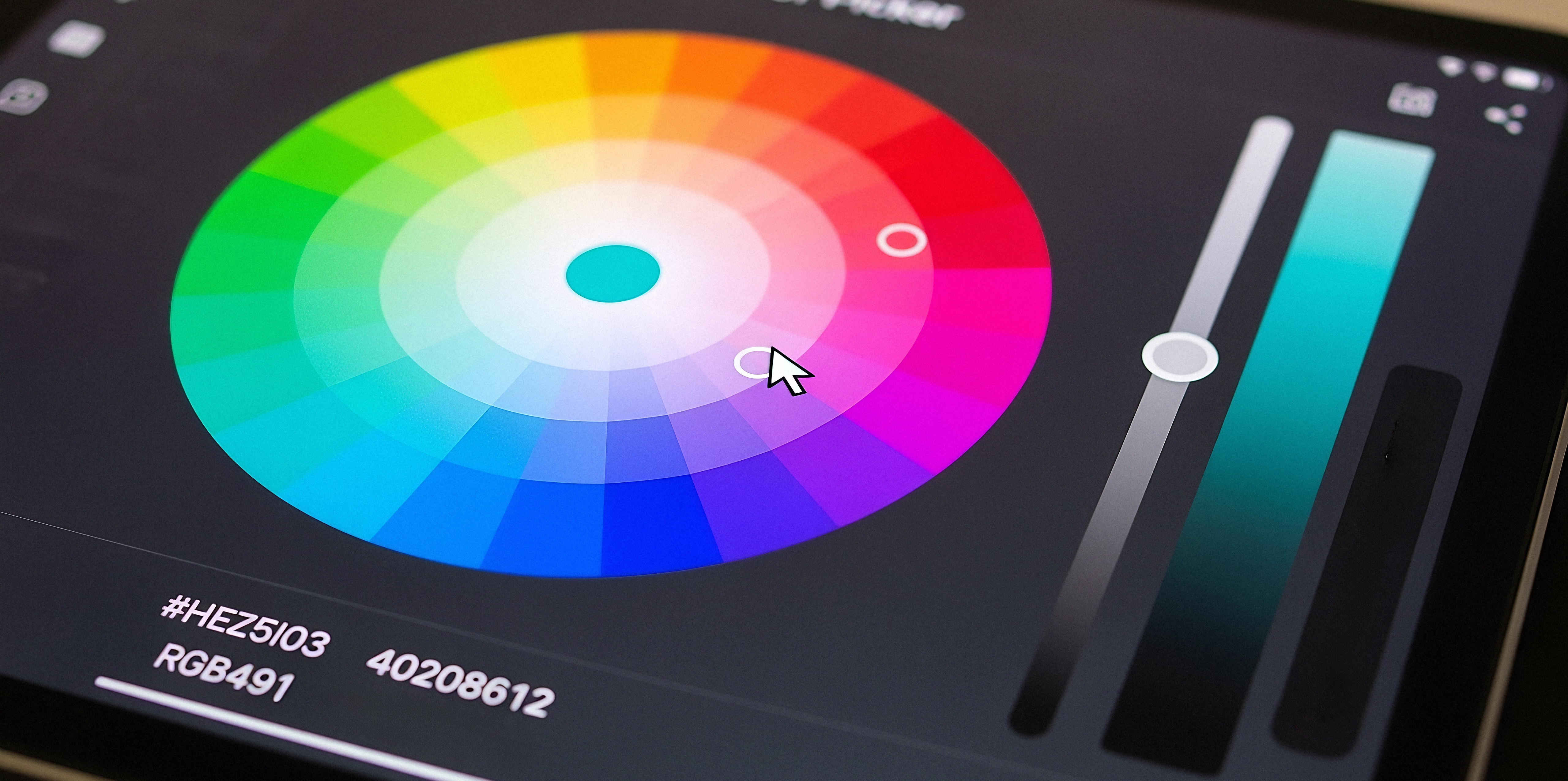
In the modern embedded landscape, the user interface serves as the primary command center, demanding precision, clarity, and instant feedback. A well-engineered UI doesn’t rely on static, pre-rendered assets; it utilizes dynamic graphical features to convey status, guide user interaction, and adapt to changing conditions. One of the most efficient and powerful tools for achieving this level of control is the Color Overlay Effect.
Traditionally, implementing dynamic color changes on resource-constrained embedded systems has been a complex undertaking. Developers often face trade-offs between a feature-rich, responsive interface and the limitations of memory and processing power. At Embien Technologies, we have engineered a solution that eliminates this compromise. Our Sparklet embedded graphics library offers an advanced, highly optimized Color Overlay Effect that allows for sophisticated color control without impacting system performance. This capability provides a way for showing a rich and elegant interface and is a testament to our commitment to delivering powerful tools for modern embedded UI components.
The Role of Color Overlay in High-Performance UI
The Color Overlay Effect involves applying a configurable, solid color over an existing UI element—such as an icon, an image, or a component—at runtime. This technique is far more than a simple aesthetic choice; it is a fundamental mechanism for conveying critical system information. It allows for the dynamic modification of a visual asset without the need to store multiple, pre-colored versions.
The significance of this technique in a high-performance UI is multifold:
- Conveying State and Status: A color overlay is an excellent method for signaling a change in the state of a system or a component. A button can change from a neutral gray to a vibrant green to indicate an 'on' state, or a status icon can shift to red to signal a critical error. This provides instant, unambiguous user feedback.
- Optimizing Asset Management: Instead of managing a separate icon file for every possible color state (e.g., a red icon for an alarm, a green icon for a safe state), a single grayscale asset can be stored. The Color Overlay Effect is then used to apply the appropriate color dynamically. This dramatically reduces flash memory usage, which is a critical consideration for resource-limited systems.
- Enhancing User Intimation: By binding the effect to user interactions, the UI can provide responsive, polished feedback. A subtle color change on a GUI widgets when it is pressed or selected reassures the user that their input has been recognized. This immediate feedback loop is crucial for perceived system responsiveness and user confidence.
- Facilitating Visual Hierarchy: Color overlays can be used to direct the user's attention. A semi-transparent overlay can be applied to inactive elements to de-emphasize them, while a more prominent color can highlight the most critical information or an active control, streamlining the user’s workflow.
The Color Overlay Effect enables developers to build interfaces that are not only visually sophisticated but also functionally superior, providing a direct link between system data and visual representation.
Practical Use Cases for Color Overlay Effect
The versatility and efficiency of Sparklet’s Color Overlay Effect make it an invaluable tool across a wide range of embedded applications:
- Industrial Control Panels: An indicator light for a machine can be represented by a simple icon that is rendered with a green overlay for 'operational' and a red overlay for 'fault.' This provides a clear, at-a-glance status without requiring multiple graphic files.
- Medical Devices: Patient vital signs might be displayed with text and icons. A color overlay can be applied to these elements to indicate if a reading is within a safe range (green), a cautionary range (yellow), or a critical range (red), providing immediate visual alerts to clinicians.
- Smart Home Systems: Icons for smart bulbs or other connected devices can use a color overlay to reflect their current status. An icon for a light could be shaded to indicate it is off and brightened with a color overlay when it is on, and the color could even match the bulb's current setting.
- Automotive Infotainment: Buttons on a touchscreen can be dynamically highlighted with a color overlay to show which menu is currently active or which audio source is selected.
- Battery-Powered Devices: A battery icon can be filled with a color overlay that changes from green to yellow to red as the battery level drops, offering a clear visual warning to the user. This is a common and highly effective form of user intimation.
In each of these scenarios, the Color Overlay Effect simplifies development by consolidating assets and enhances the UI's functional clarity by providing dynamic visual feedback tied to system logic.
Sparklet’s Color Overlay Effect: Engineered for Precision
Implementing a feature like color overlay on constrained hardware requires a deliberate, performance-first approach. Sparklet’s implementation is built to offer a high degree of control and efficiency, making it the ideal choice for embedded UI developers.
Here’s a detailed look at what distinguishes Sparklet’s feature:
Granular Customization:
Sparklet provides extensive control over the color overlay process. You can configure:
- Color Values: The effect can use any RGB color, including those defined dynamically from application variables or theme settings. This allows for runtime control over the color.
- Alpha (Opacity): The overlay’s transparency can be precisely controlled, allowing for subtle tints or full-color fills. This gives developers the flexibility to create a range of effects, from highlighting to complete color-state changes.
Optimized Performance:
Sparklet’s rendering engine is lightweight and highly optimized. Applying a color overlay is computationally inexpensive. It avoids the need for a separate framebuffer or costly CPU-based pixel manipulation. The operations are performed efficiently at the rendering pipeline stage, making the effect suitable even for low-power microcontrollers with limited processing capability. This optimization is what allows for a rich and elegant interface even on resource-limited systems.
Seamless Theme Integration:
A core architectural strength of Sparklet is its robust theme management. The Color Overlay Effect is fully integrated into this system. Colors for different states and components can be defined in a theme file. Changing the theme dynamically updates all related color overlays across the application, enabling rapid re-skinning of products for different markets or user preferences without a single line of code change. This provides a way for a single UI design to be easily edited and adapted.
By offering this level of control and efficiency, Sparklet empowers embedded UI developers to move beyond basic, monochrome interfaces and build sophisticated, functionally rich UIs that are both performant and visually compelling.
Benefits of Sparklet for Embedded UI
As market demands for professional and intuitive embedded systems grow, the quality of the UI will become a key competitive advantage. Sparklet provides the tools necessary to meet these demands head-on. Our Color Overlay Effect is just one of many features designed to simplify the creation of advanced embedded UI components, allowing developers to focus on core application logic.
We believe that every embedded device, regardless of its hardware limitations, deserves a high-quality user experience. Sparklet is our commitment to making that a reality.
Conclusion
Advanced color control is not a luxury; it is a necessity for creating clear, functional, and efficient embedded user interfaces. The Sparklet Color Overlay Effect provides developers with a powerful, flexible, and resource-efficient tool to achieve this. By enabling dynamic state representation, reducing asset overhead, and enhancing user feedback, it allows for the creation of UIs that are both rich in function and elegant in design, even on the most constrained hardware platforms.
Ready to take control of color in your embedded products? Discover the full potential of this feature by exploring the detailed documentation for Sparklet's Color Overlay Effect.
https://sparkletui.com/flint-ui-designer