
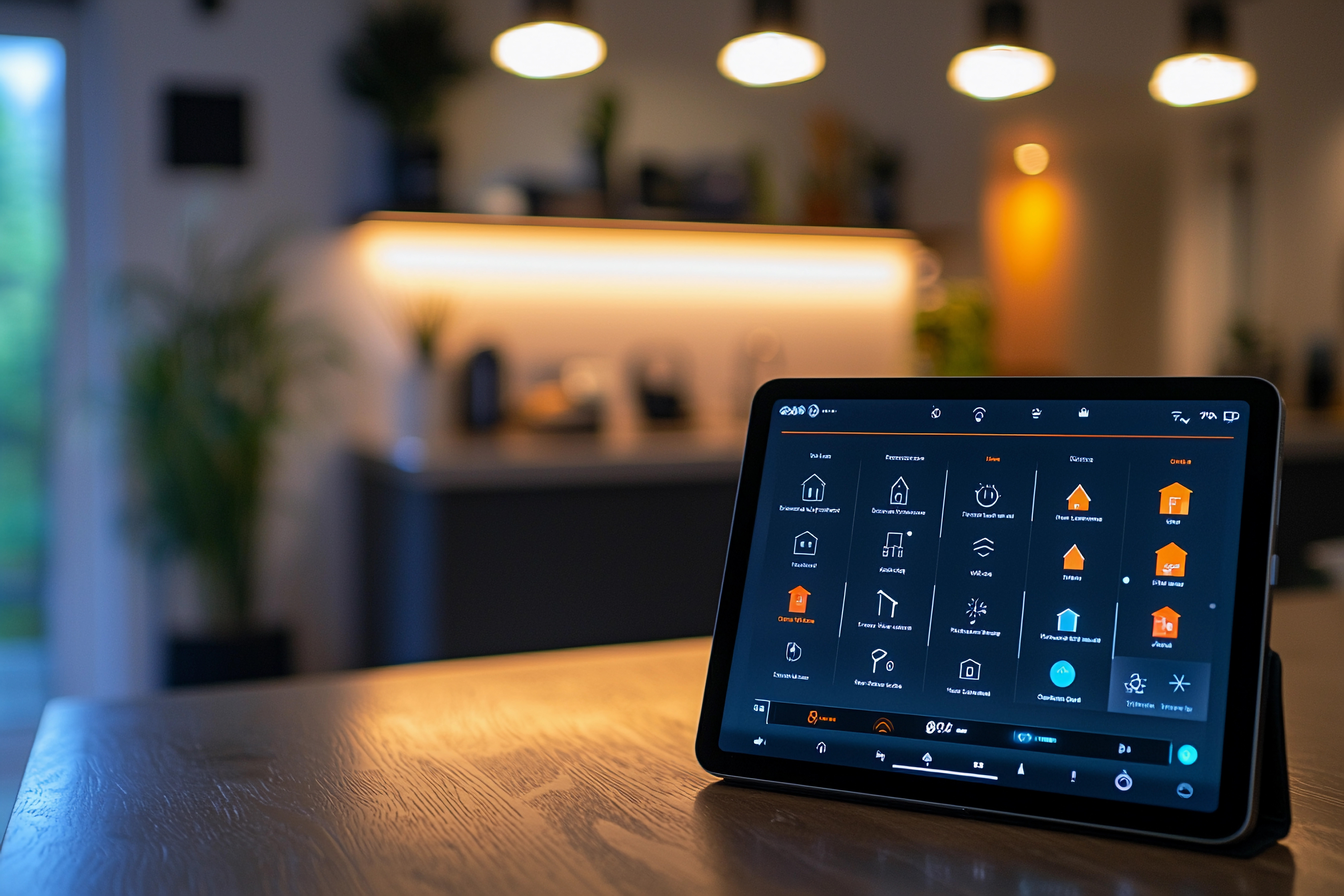
In the embedded world, static, hardcoded user interfaces are a thing of the past. Modern products require GUIs that are not only visually appealing but also dynamic and responsive. A key challenge in achieving this is the ability to precisely control the location of UI elements in real-time based on live data or system state. While simple, predefined layouts work for many applications, a truly advanced UI needs the flexibility to rearrange itself on the fly.
This is where the Position Effect becomes a critical tool. Unlike a fluid animation or a transition that moves a widget smoothly from one point to another, the Position Effect is a direct, data-driven command. It allows a developer to instantly set the absolute position of a GUI widgets, providing a powerful way to reconfigure layouts in response to system events. This capability is fundamental to creating a rich and elegant interface that is highly editable and functionally superior, especially on resource-limited systems.
Our Sparklet embedded graphics library is built to solve these exact challenges. We understand that every ounce of performance matters, which is why our implementation of the Position Effect is engineered to provide precise layout control with minimal overhead.
The Role of Dynamic Positioning in Modern UI
The ability to dynamically position UI elements is crucial for creating a responsive and adaptable user experience. It allows the interface to react intelligently to changing conditions without the need for a full screen redraw or complex, pre-defined logic. Its primary roles in modern UI design include:
- Data-Driven Layouts: A common challenge in embedded UIs is managing telltales or status icons that appear and disappear based on system events. For example, a vehicle dashboard or a smart device status bar might show icons for Bluetooth, Wi-Fi, and GPS. When a feature like Bluetooth is off, its icon is no longer present. Instead of leaving an empty space, the Position Effect can be used to dynamically shift the remaining icons (e.g., Wi-Fi and GPS) to fill the gap, ensuring the layout remains compact and organized. This provides a clear, seamless visual experience, as the UI intelligently adapts to the system's active features without requiring a full screen redraw.
- Adaptive Screens: On devices with multiple screen orientations, the Position Effect can be used to reposition an entire set of embedded UI components to fit the new layout. This provides a way for a single UI design to be easily edited and adapted to different display sizes and orientations without having to manage multiple separate design files.
- Context-Aware Information: When a user selects a specific item in a list, a details panel could appear precisely below or next to the selected item. The Position Effect ensures that this panel is placed correctly, regardless of where the selected item is on the screen, providing seamless and intuitive user intimation.
- Efficient Screen Management: For complex applications with overlapping windows or pop-up menus, the Position Effect allows you to precisely place these elements in the correct location on top of the existing screen content. This is far more efficient than redrawing the entire screen from scratch.
By enabling these functional changes, the Position Effect transforms a static UI into a dynamic, intelligent system that always presents information in the most optimal layout.
Practical Use Cases for Position Effect
The versatility of the Sparklet Position Effect makes it a cornerstone for creating robust embedded applications:
- Industrial Automation: On a control panel, a small indicator light icon could be positioned next to a running motor icon or a stopped motor icon based on the machine's real-time operational status.
- Medical Monitoring: A digital chart could display a patient's heart rate. A small, dynamic text widget showing the current rate could be positioned on the chart's line as the data point changes, ensuring a direct visual correlation.
- Form-Based Interfaces: On a data entry screen, if an error message appears for a specific field, a small icon (like a red exclamation mark) could be dynamically positioned right next to that field to alert the user.
- Virtual Keyboards: A virtual keyboard that pops up on a touchscreen device must be positioned relative to the text input box. The Position Effect is used to place the keyboard accurately, ensuring it doesn't obscure the text field the user is typing into.
In each of these scenarios, the Position Effect provides clear and functional user intimation by giving developers precise control over the UI's layout in response to system data.
Sparklet's Position Effect: Optimized for Embedded Precision
While dynamic positioning might seem like a straightforward task, its implementation on resource-limited systems requires a highly optimized approach. Sparklet’s engine is built from the ground up to deliver a powerful, customizable, and efficient solution.
Here’s a detailed look at what makes Sparklet’s Position Effect stand out for embedded UI developers:
Data-Driven Customization:
Sparklet allows you to link the position of a GUI widgets directly to variables in your application logic. This means you can control an element's X and Y coordinates with values from a sensor, a calculation, or a user input event. This direct binding bypasses the need for complex, manual programming to update element positions.
Minimal Resource Usage:
The Position Effect is computationally light. When a position change is triggered, Sparklet’s engine only needs to update the element's coordinate in memory and schedule a redraw of that specific element. This avoids the heavy overhead of redrawing the entire screen or performing complex calculations. This efficiency is critical for resource-limited systems where power and CPU cycles are at a premium.
Seamless Theme Integration:
Sparklet’s theme management system allows you to define baseline positions for elements as part of a theme. For example, a theme could define where a status icon should appear. The Position Effect can then be used to apply an offset from that theme-defined position, ensuring that your layout remains consistent even when themes are changed, and making the UI easily editable.
By offering this level of control and efficiency, Sparklet empowers embedded UI developers to build sophisticated and functionally rich interfaces that are both performant and visually compelling.
The Sparklet Advantage
The ability to create dynamic, data-driven layouts is no longer a luxury; it's a necessity for modern embedded systems. Sparklet’s Position Effect provides a powerful, flexible, and resource-efficient way to achieve this. It enables developers to transform their static layouts into intelligent, responsive systems that provide clear user intimation and a polished feel, all while maintaining the performance required for resource-limited systems.
Conclusion
Precise control over UI element position is fundamental to creating a modern, functional, and responsive embedded GUI. The Sparklet Position Effect offers a powerful, flexible, and resource-efficient way to achieve this. By enabling direct, data-driven layout changes, it allows developers to build interfaces that intelligently adapt to changing data and screen conditions, ensuring the UI is not just beautiful, but also lean, fast, and reliable.
Ready to take control of your UI layouts? Discover the full potential of this feature by exploring the detailed documentation for Sparklet's Position Effect.
https://sparkletui.com/flint-ui-designer