
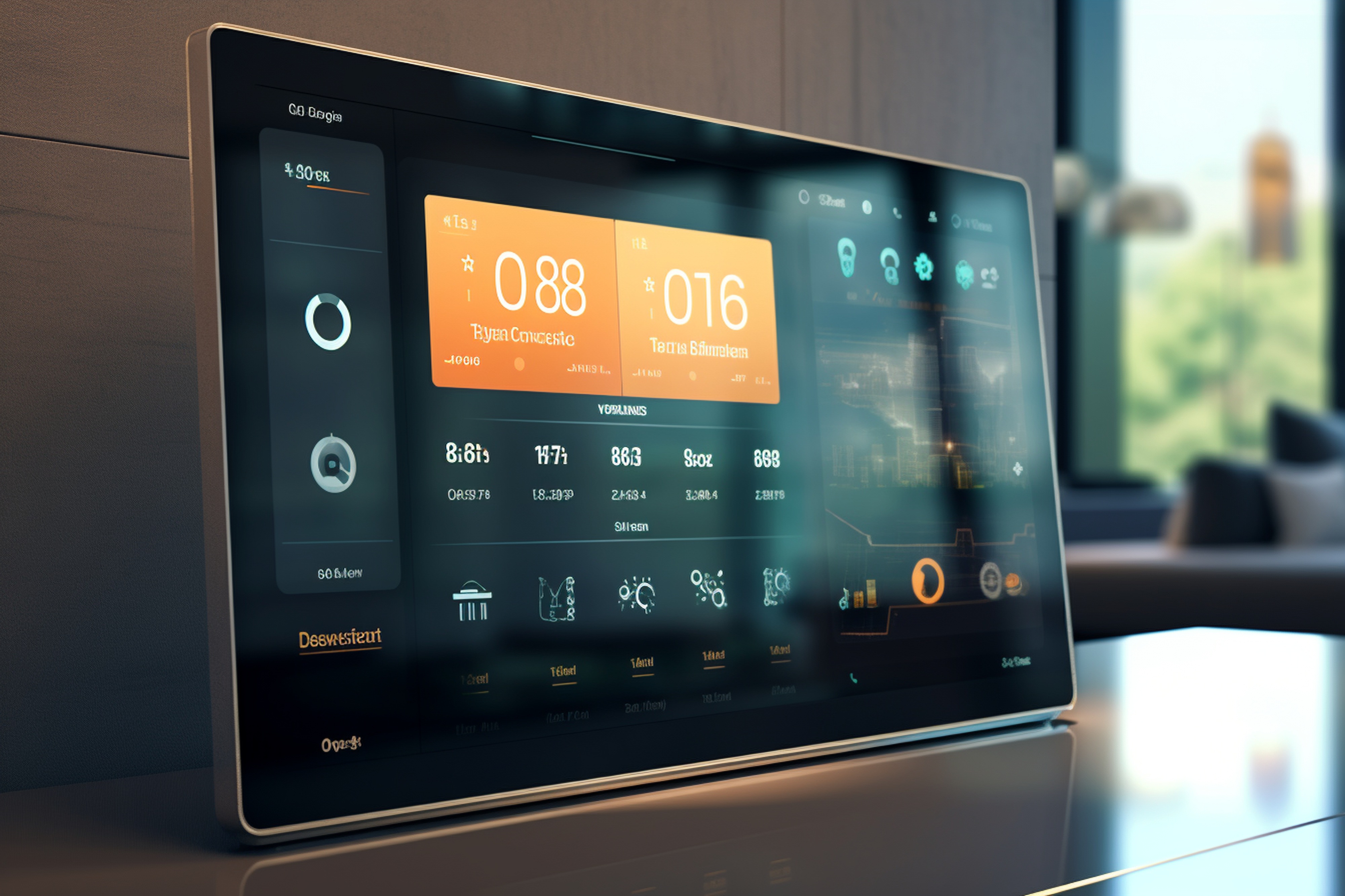
In great design, the smallest details often make the biggest impact. Think about the satisfying click of a well-made switch or the smooth glide of a slider. These tactile experiences provide feedback and a sense of quality. In the world of Embedded GUI Design, we replicate this feeling through micro-interactions—the small, focused animations that respond to a user's input. The most fundamental of these are the animations tied to a widget's internal state.
We, the Sparklet team believe that user interfaces should be intuitive extensions of human intent. When a user toggles a switch, they expect to see a clear and immediate change. A static, abrupt jump from "off" to "on" is functional, but it lacks the elegance and clarity of a modern interface. This is why we engineered the Widget State Animations feature in our Sparklet graphics library: to make these essential feedback mechanisms both beautiful and effortless to implement.
Today, we want to explore how animating a widget's built-in states can fundamentally improve your UI, how Sparklet gives you precise control over these effects even on resource-limited hardware, and why this focus on detail is a non-negotiable aspect of contemporary product design.
The Essential Role of Widget State Animations in UI Design
Widget state animations can be created using the Internal State Animation options in Sparklet UI Designer. An Internal State Animation is tied to the built-in, functional states of a widget. Think of a checkbox transitioning from unchecked to checked, a toggle switch moving from off to on, or a radio button becoming selected. These are not custom states you define; they are intrinsic to the widget's purpose.
Animating these transitions is a powerful form of communication. It serves several key purposes:
- Immediate Confirmation: A smooth animation provides instant, non-verbal confirmation that the system has registered the user's action. This small feedback loop builds user confidence and makes the interface feel responsive.
- Guiding Focus: Motion naturally draws the human eye. The animation of a toggle switch guides the user's focus to the result of their action, reinforcing the cause-and-effect relationship.
- Creating a Tactile Feel: Well-designed GUI Animations can make digital controls feel almost physical. A sliding switch or a checkmark that "draws" itself into a box adds a layer of satisfying tactility that elevates the user experience.
- Reducing Ambiguity: In a busy interface, an abrupt state change can sometimes be missed. An animation, however brief, makes the change obvious and reduces the cognitive load on the user.
Key Use Cases for Dynamic Widget Interaction
The Sparklet Animations & Transitions feature provides a straightforward way to integrate these dynamic behaviors into your embedded applications. Here are a few common use cases where internal state animations are indispensable for creating a superior user experience.
- Toggle Switches : Toggle switches are a cornerstone of modern UI, allowing users to switch between two distinct states like on/off or enabled/disabled. A simple, static change can feel cheap and unsatisfying. With Sparklet’s internal state animations, you can implement a smooth, gliding motion as the switch slides from one side to the other. For example, when a user taps a toggle switch, the thumb can smoothly animate its X and Y Position to its new location. Simultaneously, its background color can transition with an Alpha Value fade from a muted gray to a vibrant green, providing clear visual confirmation of the state change. This dynamic feedback loop assures the user that their action has been successfully registered and processed.
- Button State Transitions : Buttons are perhaps the most frequently used interactive element in any GUI. They have multiple internal states: normal, hover, pressed, and disabled. Animating the transitions between these states is crucial for creating a responsive and professional feel. Consider a simple button. When the user hovers over it, a subtle animation can change its Width & Height, making it slightly larger to indicate it's ready to be clicked. When the button is pressed, it could momentarily reduce its Scale X and Y values, creating a "squash and stretch" effect that mimics real-world interaction and confirms the press. Finally, if the button becomes disabled, an animation could fade its Alpha Value to a lower opacity, communicating its non-functional state without the need for a separate text label. These small, deliberate motions make the interaction feel tactile and reliable, even on a purely digital interface.
The Art of Customization on Resource-Limited Systems
One of the greatest challenges for GUI Animations in embedded systems is balancing visual appeal with performance. Traditional UI libraries often struggle with this, leading to compromises in design or unacceptable system lag. Sparklet is engineered to overcome this. Its Internal State Animations are not only powerful but also highly customizable and resource-efficient.
The Sparklet UI designer gives you granular control over every aspect of the animation. You aren't limited to a few preset effects. Instead, you can define a unique motion for each widget state using a combination of supported transitions.
- Alpha Value: Smoothly fade elements in or out to indicate visibility changes.
- X and Y Position: Slide elements horizontally or vertically to create dynamic layouts.
- Width & Height: Animate the size of a widget to draw attention or indicate a state change.
- Visibility: Toggle an element's visibility with a subtle animation.
- Scale X and Y: Enlarge or shrink a widget to provide tactile feedback.
This level of detail allows you to tailor the animations precisely to your application's needs and hardware capabilities. For a low-power microcontroller, you might choose a simple alpha fade, which is computationally lightweight. For a more powerful system, you can combine multiple transitions for a richer, more complex effect.
Furthermore, Sparklet’s theme-based architecture extends to its internal state animations. You can define and change the properties of your animated transitions as part of a centralized theme. This means that a single change in a theme file can instantly alter the behavior and appearance of dozens of widgets across your entire application. For instance, if you want to implement a day and night mode, you can simply define two themes with different animation properties and color palettes. The transition between these themes is seamless, bringing a new level of professionalism and user-friendliness to your product.
The Developer's Advantage: A Streamlined Workflow
Beyond its impressive technical capabilities, Sparklet offers a significant advantage to embedded developers: a streamlined and intuitive workflow. The visual Sparklet UI Designer allows you to design and prototype dynamic interfaces without writing extensive code. You can visually configure the internal state animations for each widget, seeing the results in real-time. This iterative, design-first approach drastically reduces development time and makes it easier to create pixel-perfect, highly polished UIs.
By leveraging a powerful and efficient library like Sparklet, developers are no longer forced to compromise between elegant design and system performance. They can deliver a truly modern user experience that not only looks great but also runs flawlessly on resource-constrained hardware. This competitive edge translates directly into higher user satisfaction, stronger brand identity, and a product that stands out in the crowded embedded systems market.
Conclusion
The future of embedded UI is dynamic, responsive, and visually rich. Internal State Animations are no longer a luxury but a necessity for creating a compelling user experience. Sparklet empowers embedded developers to bring this sophistication to their products, providing a highly customizable and efficient solution for widgets on resource-limited systems. By mastering internal state animations, you can transform your product's UI from a static interface into an intelligent, intuitive, and delightful experience.
To learn more and start crafting dynamic embedded GUIs, review the Sparklet’s Internal State Animations documentation.
https://sparkletui.com/flint-ui-designer