
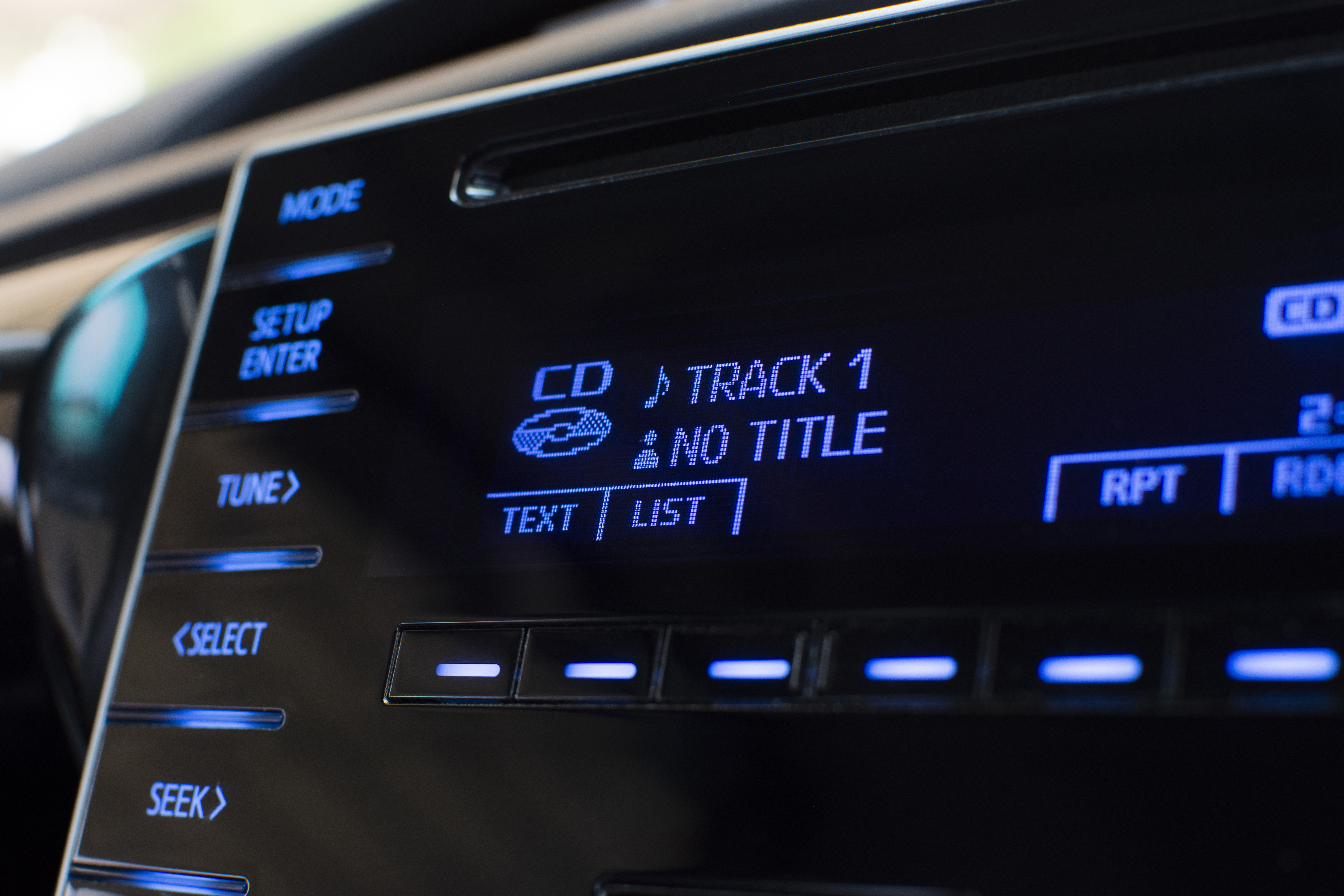
In the pursuit of excellence, the details are what separate the good from the truly great. In high-end automotive design, it’s not just the engine's power but the perfect fit of the door panels and the precise stitching on the leather. In architecture, it’s the seamless joinery and the thoughtful interplay of light and shadow. The same principle holds true in Embedded GUI Design. A functional interface is a baseline expectation; a premium user experience is crafted in the subtle, often subconscious, details of its presentation.
One of the most critical yet frequently overlooked details is typography. The way text is rendered on a screen has a profound impact on readability, brand perception, and overall aesthetic appeal. At Embien Technologies, we are passionate about empowering developers to achieve this level of polish. That is why our Sparklet graphics library includes robust support for one of the most important principles of professional typography: Kerning.
Today, we want to explore what kerning is, why it is an absolute necessity for modern user interfaces, and how Sparklet makes it easy to implement this sophisticated feature, even on the most resource-constrained embedded systems.
What is Kerning, and Why Does It Matter?
At its simplest, kerning is the process of adjusting the spacing between specific pairs of characters to achieve a visually pleasing and balanced result.
In a basic text rendering system, each character occupies a rectangular box with a set width. The system simply places these boxes next to each other. This often works well enough, but it fails for certain letter combinations, creating awkward gaps or collisions. For example, the capital letters 'A' and 'V' have diagonal strokes. Placed side-by-side in simple boxes, they leave a large, distracting wedge of empty space between them. Similarly, the letter 'o' next to a 'T' can feel too far away.
Kerning solves this by applying specific adjustments. For the pair 'AV', the kerning information in a font file tells the rendering engine to tuck the 'V' slightly under the arm of the 'A', closing the gap. This creates a visually consistent rhythm and makes the text flow more naturally for the reader's eye.
Why is this so important?
- Readability: Well-kerned text is easier and faster to read. The uniform spacing reduces cognitive load, allowing the user to focus on the message, not the mechanics of the text.
- Professionalism: Proper kerning is a hallmark of professional design. Its absence is often felt subconsciously—the text just looks "off" or "cheap." For any product aiming for a premium market position, good typography is non-negotiable.
- Aesthetics: Kerning creates a more beautiful and harmonious block of text, contributing significantly to the overall elegance of the user interface.
The Kerning Challenge in Embedded Systems
If kerning is so crucial, why is it often missing in Embedded GUIs? The reason is complexity and performance. To properly render kerned text, a graphics library must do more than just place character boxes side-by-side. It needs a sophisticated text rendering engine that can:
- Parse the complex kerning tables embedded within modern font files (like TrueType, .ttf).
- At runtime, identify specific character pairs as it renders a string.
- Perform fast lookups in the kerning data.
- Apply the precise positional adjustments to each character.
For many lightweight graphics libraries designed for microcontrollers, this processing overhead is considered a luxury. Developers are often forced to use fonts with no kerning or accept the suboptimal output of a simple renderer. This is a compromise we were unwilling to make with Sparklet.
Sparklet's Approach: Professional Typography, Optimized and Customizable
We built Sparklet's text rendering engine to handle typography with the same level of care as a desktop design application. We provide a powerful, yet easy-to-use system for controlling kerning within our Flint UI Designer.
Full Support for Font-Native Kerning
Most professionally designed fonts come with hundreds of built-in kerning pairs defined by the typographer. Sparklet's engine reads this data and applies it automatically. For developers, this often means the process is as simple as choosing a high-quality font and enabling kerning.
Global Kerning Adjustments
Beyond using the font's built-in data, we provide a powerful tool for fine-tuning. Within the font properties in Sparklet UI designer, you can set a "Default Kern Value." This allows you to apply a global adjustment to either expand or condense the default spacing across the entire font. This is incredibly useful for:
- Improving Readability: On certain low-resolution or high-glare screens, slightly increasing the default letter spacing (tracking) can make text much easier to read.
- Matching Brand Guidelines: If your brand has specific typographic standards for text density, you can easily adjust the font to match.
A Unique Advantage: Kerning for Image-Based Fonts
Sparklet also supports image fonts, where each character is a custom graphic rather than a vector glyph. This is common for creating stylized digital clock readouts or unique dashboard displays. We extend our kerning support to these fonts as well. This allows a designer to create a beautiful, custom set of graphical numbers and then fine-tune the spacing between pairs like '11' or '77' to achieve a perfect, bespoke look.
Performance Without Compromise on Constrained Hardware
Implementing this feature without impacting performance was our primary engineering challenge. We solved it through intelligent, compile-time optimization.
When you build your project, the Flint UI Designer doesn't just copy the entire font file into your firmware. Instead, it parses the font's complex kerning tables and converts them into a highly-optimized, compact lookup table that is specific to our rendering engine.
At runtime, when a string of text needs to be drawn, our engine performs an incredibly fast lookup in this optimized table for each character pair. The computational cost of this check is minimal, adding a negligible amount of processing time. This means you can have perfectly kerned, beautiful text with virtually no impact on your UI's frame rate or responsiveness. You don't have to trade quality for performance.
Conclusion: The Details Define the Design
In a competitive market, user experience is the ultimate differentiator. The quality of your typography speaks volumes about the quality of your product and your attention to detail. Kerning is an essential element of that quality, transforming functional text into a clear, elegant, and professional means of communication.
Sparklet removes the traditional barriers of performance and complexity, making professional-grade typography an accessible feature for all embedded developers. By providing a powerful, customizable, and highly optimized kerning engine, we empower you to sweat the small stuff, because we know that in great design, the small stuff is everything.
Ready to elevate your UI with sharper, more professional typography?We encourage you to explore our documentation and see how easy it is to enable and customize kerning in your next Sparklet project.
https://sparkletui.com/flint-ui-designer