
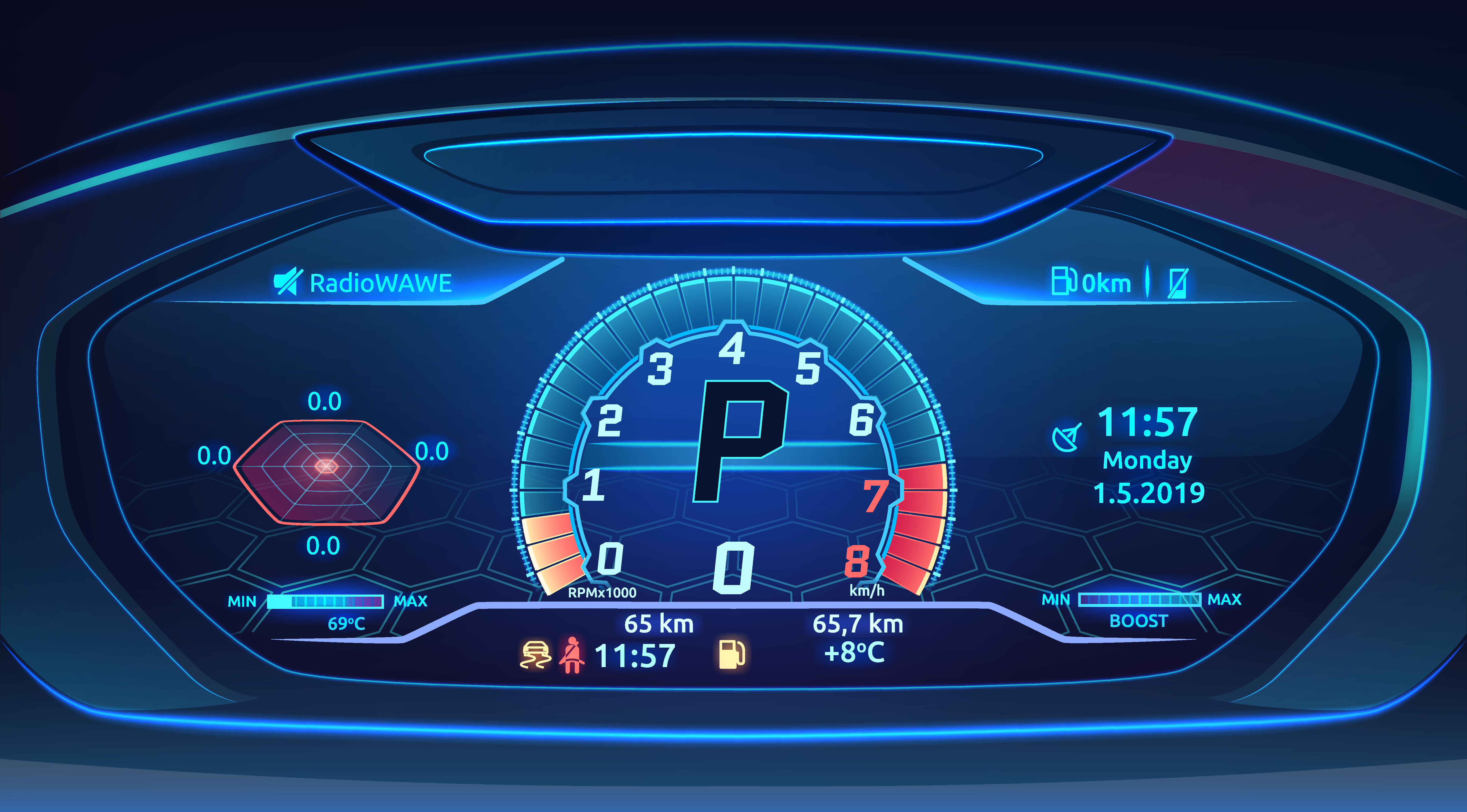
Recently there has been a dramatic evolution in user interfaces of electronic devices. Not so long ago, a simple character LCD or a blocky, pixelated display was perfectly acceptable. Today, users expect the same fluid, high-resolution experience from their industrial controller, medical device, or smart appliance as they do from their smartphone. At the heart of this premium user experience is something we often take for granted: text.
Crisp, readable, and aesthetically pleasing typography is no longer a luxury; it's a fundamental requirement for a modern product. However, achieving this on resource-constrained embedded systems presents a unique and significant engineering challenge. The processing power and memory available on a typical microcontroller are a world away from a desktop PC. This is where the battle for font rendering is won or lost.
This article will explore the complexities of font rendering in embedded systems. We will cover different font formats, the critical role of anti-aliasing, and how our Sparklet Embedded Graphics Library and its accompanying UI Designer not only solve these challenges but turn font management into a creative advantage for developers.
The Font Format Dilemma in Embedded Systems
On a desktop, using a TrueType (TTF) or OpenType (OTF) font is a simple matter of loading a file. These are vector fonts, meaning each character (or glyph) is defined by mathematical outlines. This makes them infinitely scalable without losing quality. However, rendering them requires a complex and CPU-intensive process called rasterization, where these mathematical lines are converted into pixels on the screen.
For a typical MCU, performing this real-time rasterization for every character is often prohibitively slow and computationally expensive. This has led to the prevalence of bitmap fonts. A bitmap font is a collection of pre-rendered characters, where each glyph is stored as a simple matrix of pixels. When the system needs to draw a character, it just copies this block of pixels (a blit operation) to the framebuffer. This is incredibly fast and requires minimal processing power.
But bitmap fonts have significant drawbacks:
- Scalability: They are fixed in size. If you need text at 12, 18, and 24-point sizes, you must store three separate font sets, consuming valuable flash memory.
- Visual Quality: They suffer from 'jaggies' the harsh, staircase-like edges on curves and diagonals. This effect, known as aliasing, makes text look blocky and unprofessional.
This leaves developers in a bind: choose the speed of bitmap fonts and sacrifice quality, or struggle with the performance overhead of vector fonts.
The Power of Anti-Aliasing: The Secret to Smooth Text
The solution to the jagged edges of bitmap fonts is anti-aliasing. This technique smooths the appearance of text by using intermediate shades of color (or gray) on the pixels that border the glyph's outline. These semi-transparent pixels trick the human eye into perceiving a smoother curve, dramatically improving readability and giving the UI a polished, professional look.
While the visual benefit is clear, implementing anti-aliasing on an embedded device can be complex. The ideal approach is to combine the performance of bitmaps with the quality of anti-aliasing. This means pre-rendering the fonts with anti-aliasing on a powerful development PC and storing them in an optimized bitmap format for the target device. This is precisely the philosophy behind Sparklet.
The Sparklet Workflow: Effortless Font Integration
We designed the Sparklet Embedded Graphics Library to abstract away the traditional challenges of font handling in resource-constrained embedded systems. It all begins with our desktop-based Sparklet UI Designer tool, which includes a powerful font converter.
The workflow is remarkably straightforward, yet exceptionally powerful.
- Choose Any Font – Complete Typographic Freedom: The developer can select any standard TTF or OTF font installed on their computer. This ensures:
- Select Character Sets – Minimal Footprint, Maximum Efficiency: Instead of embedding the entire glyph library (which may include thousands of rarely used symbols), the Sparklet tool allows fine-grained selection of character sets, enabling developers to include only what’s necessary for their UI, significantly reducing memory usage. Supported character set types include:
Brand Consistency: Developers can use fonts that perfectly align with the product’s visual identity and branding standards.
Wider Language Support: Support for a wide range of language scripts - such as Latin, Tamil, Cyrillic, Devanagari, and more - ensures global adaptability.
Custom Fonts: Proprietary or third-party licensed fonts can be integrated easily, if the system has access to the font files.
Sparklet supports a wide range of font styles - including Regular, Bold, and Italic - enabling the creation of expressive, visually engaging user interfaces on embedded devices.
Alphanumeric: Includes uppercase (A–Z) and lowercase (a–z) letters along with numeric digits (0–9). Ideal for general-purpose text like labels, screen titles, and status messages.
Numeric Only: Optimized for applications such as digital clocks, speedometers, counters, or value displays where only numbers are required - drastically minimizing font size.
Unicode Ranges: Full support for Unicode allows developers to target specific language scripts or symbols, such as Tamil, Devanagari, Cyrillic, making the product globally scalable.
Custom Characters: Developers can define an exact list of characters based on their application’s needs - for example, including only symbols like @, °,#, and specific text content used in the UI. This helps achieve maximum optimization with zero wastage.
By offering this level of control, Sparklet ensures that only essential glyphs are embedded, making the solution highly efficient for embedded systems with limited flash and RAM.
Convert and Optimize – High-Quality Output for Embedded Systems: The Sparklet Font Converter performs several key transformations:
Pixel-Perfect Rasterization: Glyphs are rasterized to the exact size and DPI required by the UI. No scaling is needed on the embedded target, maintaining visual clarity.
Anti-Aliasing: High-quality anti-aliasing is applied during conversion to ensure smooth, legible fonts even at small sizes.
Binarized Font Format: The output is a compact, proprietary binary format optimized for the Sparklet runtime. It includes glyph metadata, kerning information, and pre-rendered bitmaps.
This generated file is then simply compiled with the project. The target MCU never has to deal with the complexity of rasterization; it only needs to perform fast blit operations using the pre-rendered, anti-aliased glyphs provided by the Sparklet library. This gives you the best of both worlds: the stunning quality of vector fonts with the blazing speed of bitmaps.
Dynamic Colors with Alpha-Based Fonts: A Game Changer
One of the standout features of the Sparklet font rendering engine is its support for alpha-based font rendering, which unlocks incredible flexibility and efficiency in how text is displayed on embedded systems.
Traditional Bitmap Fonts: A Limiting Approach
In a typical embedded graphics system, colored bitmap fonts are rendered with the color information directly encoded into each pixel. This means if your UI needs to show text in multiple colors - like red, green, or blue - you would have to generate and store separate font files for each color. This not only increases memory usage but also complicates asset management and code logic.
Alpha Fonts in Sparklet:
With Sparklet, the approach is fundamentally smarter. Instead of encoding color, our font converter stores only the 8-bit alpha (transparency) values for each pixel in the glyph. Here's how it works:
- Fully Transparent Pixel: alpha = 0 -> Background remains unchanged.
- Fully Opaque Pixel (Solid Text): alpha = 255 -> The text color fully replaces the background.
- Anti-Aliased Edge Pixel: alpha = 1-254 -> A soft blend is applied, producing smooth, high-quality edges.
The font becomes a monochrome alpha mask, and the actual color is applied at runtime.
Runtime Color Control
At runtime, your application provides the desired color dynamically through the Sparklet drawing API. The Sparklet rendering engine blends this color with the display's background using the glyph’s alpha map. This enables:
- Dynamic Status Indicators: For example, a single font file can be used to render a status message in gray (idle), green (success), or red (error) just by changing a parameter in the draw function.
- Memory Efficiency: Only one font file is stored, yet it supports unlimited color variations with zero additional memory.
- Cleaner Code: Developers don’t need to maintain multiple font assets for different colors. Sparklet’s alpha-based font format allows you to render the same font glyphs in any color dynamically. Just set the desired color before calling the draw function:
- Consistent Quality Across Colors: Since the base glyph is rendered once at design time with anti-aliasing, text maintains its quality regardless of the color applied.
sparklet_draw_text("Status: OK", font_handle, x, y, COLOR_GREEN);
sparklet_draw_text("Status: Error", font_handle, x, y, COLOR_RED);
With Sparklet’s alpha-based font engine, you gain all the visual flexibility of dynamic color rendering while keeping your memory footprint low and your codebase simple. It's a perfect blend of performance, versatility, and modern UI design - all tailored for the constraints of embedded systems.
Going Beyond Characters: Image-Based Fonts
To create truly rich user interfaces, developers often need to add effects like glow, shadow etc on the fonts. Also, sometimes icons and symbols are to be embed directly within text strings. Manually positioning images next to text is tedious and error-prone. Sparklet introduces Image Fonts to solve this.
Within the Sparklet UI Designer, you can map specific Unicode character codes (typically from the Private Use Area) to small images or icons. These images are then packed into the font atlas alongside the standard character glyphs.
This means you can define and use image-based glyphs in your UI just like regular characters. For example:
sparklet_draw_text("Wi-Fi: \uE001 Signal Strong", font_handle, x, y, COLOR_WHITE);
Here, \uE001 refers to a Wi-Fi icon image you've mapped, and Sparklet seamlessly renders the text and icon together, perfectly aligned and styled.This is perfect for creating lists with status icons, displaying battery levels, or showing weather symbols, further elevating the user experience without complicating the application code.
With Sparklet Image Fonts, you get the power to blend text and visuals naturally - simplifying your code and elevating your UI without sacrificing performance or resource efficiency.
Conclusion: Your Focus Should Be on Design, Not Rendering
The quality of your product's UI is a direct reflection of your brand's quality. In today's competitive market, you cannot afford to have an interface that looks dated or is difficult to read. Font rendering is a cornerstone of this experience, but it shouldn't be a development bottleneck.
With the Sparklet Embedded Graphics Library, we have solved the hard problems of font rendering in embedded systems, so you don't have to. By providing a seamless workflow, superior anti-aliasing, and powerful features like alpha-based fonts and image fonts, we empower you to create beautiful, high-performance UIs with ease.
Stop wrestling with complex font formats and low-level rendering code. It's time to focus on what truly matters: designing an exceptional user experience for your customers. To learn more about how Sparklet can accelerate your next project, explore our Sparklet Embedded GUI Library and request an evaluation today.