
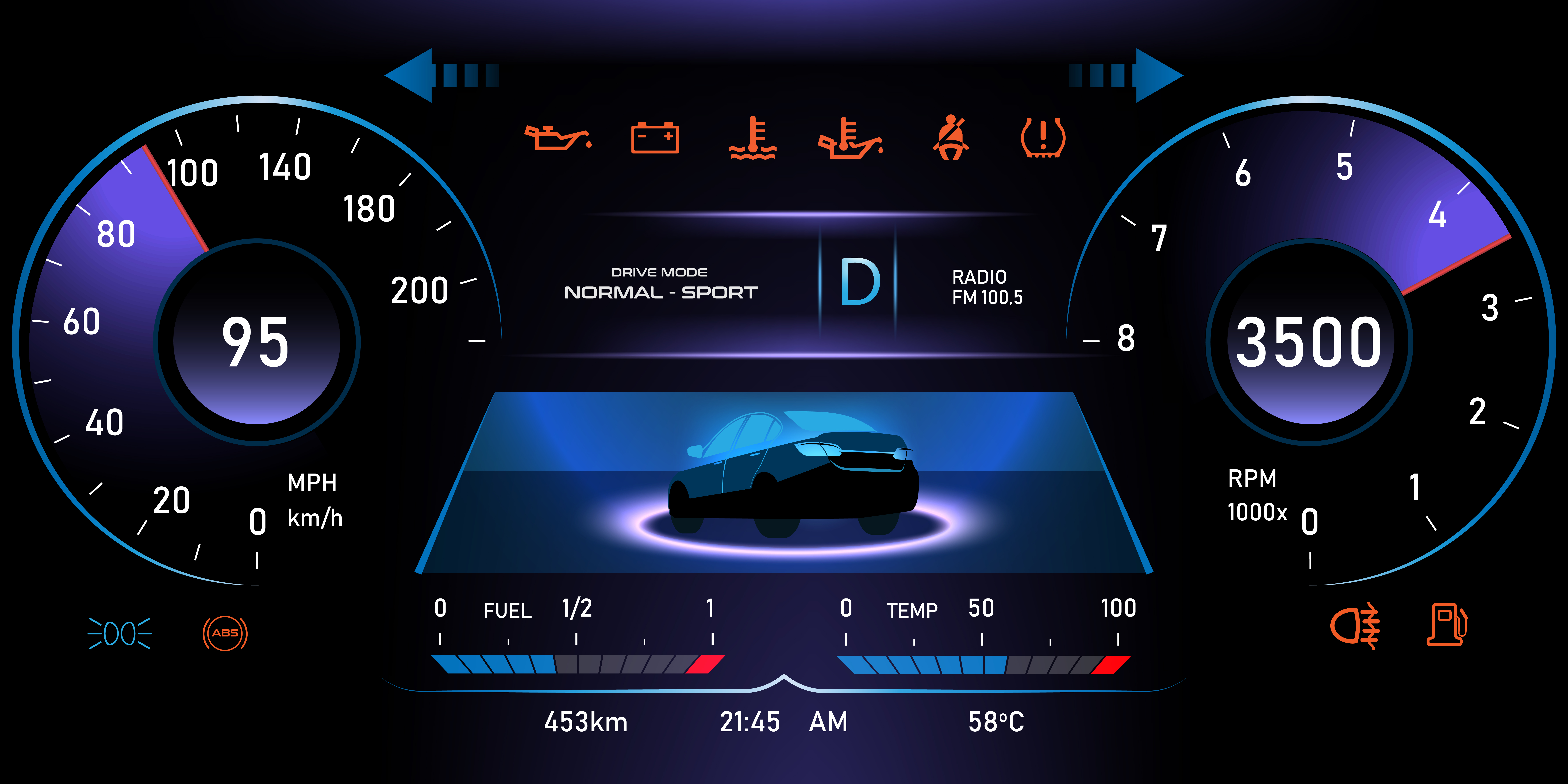
In embedded user interfaces, clear and immediate communication is paramount. Whether it’s an industrial controller reporting real-time pressure, a fitness tracker showing step counts, or a medical monitor alerting critical vitals, the way information is presented can directly impact usability and safety. While charts and gauges add visual depth, it’s the Label Widget - simple, efficient, and ever-present - that serves as the backbone of textual communication.
Yet, delivering smooth, flexible text rendering in embedded systems is no small feat. Developers face challenges like limited memory, low processing power, constrained font handling, and the need for real-time data updates. Text must remain legible and dynamically responsive - all without burdening the MCU or increasing system complexity.
That’s where the Sparklet Embedded GUI Library truly excels. Engineered with performance and modularity in mind, Sparklet transforms the way developers build embedded interfaces, making even the smallest detail - like a label - smart, fast, and scalable.
The Core of Communication: The Role of the Label Widget
The Sparklet Label Widget goes far beyond conventional text rendering. It is a fully optimized UI element designed to:
- Render Static and Dynamic Text: Display both fixed messages and real-time data updates - ideal for dashboards, alerts, counters, and system logs.
- Support Rich Styling: Apply custom fonts, colors, alignments, paddings, and even gradient or shadow effects for enhanced legibility and design consistency.
- Multilingual and Unicode Ready: Built-in internationalization (i18n) allows for seamless language switching using dynamic text mapping, vital for global products.
- Dynamic Formatting: Update text using placeholders and formatted strings that bind directly to variable values or system states, simplifying code and enhancing clarity.
- Font Management with Caching: Sparklet handles multiple font types (bitmap, TrueType, image-based) with internal caching to ensure memory efficiency and speed.
- Alpha Blending and Transparency: Combine text with backgrounds or overlays without visual artifacts, enabling modern, layered UI effects.
- Performance Optimized: Designed for ultra-low-footprint devices with real-time constraints, ensuring minimal redraw areas and optimal rendering paths.
Beyond Basic Text: The Sparklet Label Widget Advantage
We engineered the Sparklet Label Widget to be a powerhouse of customization, ensuring that developers are never limited by their tools. It’s designed to be lightweight and efficient, making it ideal for MCUs where memory and processing power are at a premium. Let’s break down the key features that make it stand out - Unmatched Customization: Fonts, Colors, and Themes.
A product's visual identity is defined by its consistency. The Sparklet Label widget provides granular control over the look and feel of your text:
Rich Font Support
Forget monolithic, hard-to-manage font files. Sparklet allows you to easily import and use various fonts, sizes, and styles (bold, italic, etc.). You can assign a unique font to any label, allowing you to create a clear visual hierarchy in your UI—for instance, using a large, bold font for critical alerts and a smaller, standard font for descriptive text.
Dynamic Colors
Text and background colors are not static properties. They can be changed dynamically at runtime. This is incredibly useful for creating intuitive visual cues. Imagine a temperature reading that automatically turns from blue to red when it exceeds a critical threshold. With Sparklet, this is trivial to implement.
Seamless Theming
The Label widget integrates perfectly with Sparklet’s powerful theme engine. This allows you to define multiple visual themes (e.g., 'Day Mode and' 'Night Mode') and switch between them with a single command. All the Label widgets in your UI will instantly adapt their colors and styles, providing a professional and cohesive user experience.
Versatile Data Handling: From Static Strings to Dynamic Data
The true power of the Label widget is realized when it's used to display dynamic information. Sparklet makes this incredibly simple. The widget can natively handle a wide variety of data types, including:
- Alphanumeric Strings: For displaying names, statuses, and messages.
- Numeric Values: Including integers and floating-point numbers, with control over precision.
This versatility means you don't need separate widgets or complex conversion routines for different types of data.
Effortless Data Mapping in Sparklet: Seamlessly Linking UI with Backend Logic
In embedded GUI development, one of the most common and often repetitive task is keeping the user interface in sync with the application's internal state. Every sensor update, status change, or variable modification often requires developers to manually write UI refresh code. This not only increases development time but also introduces room for errors and inconsistencies in user experience.
Sparklet eliminates this pain point with its built-in data mapping (or data binding) feature, offering a clean and efficient way to connect UI components directly to your application variables. This design-first capability helps you build responsive, real-time interfaces with far less code and more maintainable logic.
How It Works: Declarative UI-to-Variable Binding
Rather than writing code each time a variable change to update the label’s text, Sparklet allows developers to bind a widget property, like the text in a label or the value in a gauge- directly to a variable in the application logic. Once mapped, Sparklet takes care of keeping the UI updated in the background, using its lightweight and efficient rendering engine.
Let’s take a simple scenario—displaying a temperature value:
In application logic - float current_temperature = 25.7;
In UI setup - sparklet_label_map_text(temperature_label, ¤t_temperature, FORMAT_FLOAT_1DP);
This simple line of code binds the label widget temperature_label to the current_temperature variable. As the variable value changes in your application (say, due to sensor updates), Sparklet automatically updates the label on screen, formatted to one decimal place - without any manual redraw calls or state checks.
Built for a Global Market: Multi-Lingual Support
In today's connected world, products are rarely limited to a single region. The Sparklet Label widget is designed with internationalization at its core. It fully supports UTF-8 encoding, allowing you to display text in virtually any language, from Spanish and German to Mandarin and Japanese.
Sparklet simplifies the management of string tables, making it easy to load the appropriate language at runtime based on the user's selection. This enables you to develop a single firmware application that can be deployed worldwide, significantly reducing your development and maintenance overhead.
Final Thoughts: Elevate Your UI with Sparklet
The difference between a good product and a great one often comes down to the quality of its user interface. A clear, responsive, and aesthetically pleasing UI builds user confidence and makes your product a joy to use. The Sparklet Label Widget is more than just one of the many GUI widgets in our library; it’s a testament to our philosophy that embedded developers should have access to tools that are both powerful and easy to use.
By providing deep customization, simple data mapping, and robust multi-lingual capabilities, all within a high-performance, low-footprint package, we empower you to focus on what you do best: building innovative products. Stop wrestling with limited tools and start creating the user interfaces you've always envisioned.
Ready to transform your product's text display? I encourage you and your team to explore the capabilities of the Sparklet embedded graphics library.
Dive into the official documentation for the Sparklet Label widget today and see for yourself how easy it is to bring your data to life.
https://www.embien.com/documentation/flint-ui-designer/widgets/widgets.html#labels-widget