
For an overview of Sparklet EFX, see our introductory article here .
In the modern embedded world, the user interface is no longer confined to static buttons and charts. It’s evolving into a window to the outside world, requiring the seamless display of real-time, dynamic content. From live camera feeds in a smart car to dynamic map data on a smart home hub, the demand for rich, fluid visuals sourced from external devices is growing rapidly. However, a significant challenge arises: how do you manage and display this external, real-time media without overloading the limited memory and processing power of a typical embedded system?
The standard approach of storing and rendering all visual data from a single memory pool is simply not scalable for these use cases. Our solution is the Sparklet Custom Storage EFX. This powerful feature, a key component of the Sparklet embedded graphics library, enables developers to define a dedicated storage space specifically for dynamic, real-time content. It's an essential tool for creating a truly integrated and responsive user experience on even the most resource-limited systems.
The Custom Storage Advantage: A Dedicated Memory Pipeline
The core concept behind Sparklet’s Custom Storage feature is simple yet transformative. Instead of forcing external media—like a video stream or a mirrored phone screen—to compete for space in the main UI memory pool, it provides a separate, dedicated buffer. This isolated memory space acts as a pipeline, allowing external data to be loaded and rendered directly to the display without disrupting the performance or stability of the core GUI.
This feature is particularly useful for managing content that is volatile and requires real-time updates. By defining a custom storage area, developers can:
- Decouple External Content: The main GUI memory, which holds static assets like buttons and backgrounds, remains untouched. This prevents memory fragmentation and ensures the core UI always performs at its best.
- Streamline Data Flow: Data from external devices, such as a phone's camera or a navigation app, can be written directly to this dedicated buffer. This minimizes data copying and processing overhead, which is critical for maintaining high frame rates.
- Enhance Performance: With this dedicated memory space, the CPU is freed from the burden of complex memory management for real-time media. The display driver can be configured to read directly from this buffer, resulting in a more efficient rendering pipeline.
This approach effectively turns the display into a live window for external data, all while keeping the application’s memory footprint lean and its performance fast.
Practical Use Cases for Custom Storage
The power of the Sparklet Custom Storage Feature lies in its ability to enable a new class of embedded UI components that were previously too complex or resource-intensive to implement.
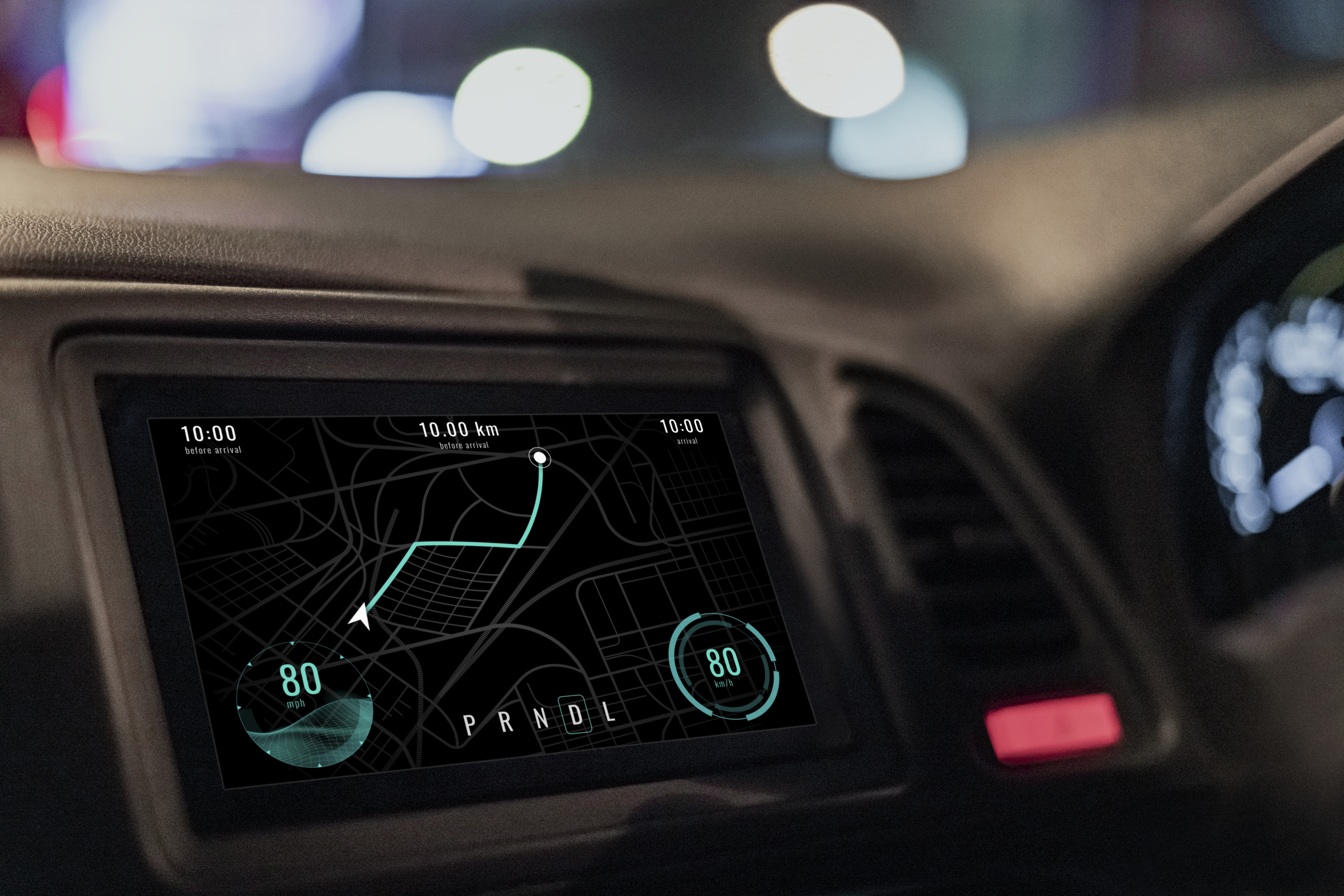
- Automotive Infotainment Systems: The most compelling use case is integrating a live camera feed. In an automotive context, a car's infotainment system can define a custom storage area to display the live feed from a backup camera, a 360-degree surround view system, or a driver monitoring camera. This provides a rich, real-time visual that is critical for safety and convenience.
- Smart Home Hubs: A smart home display unit can act as a central control panel. Using Custom Storage, it can mirror a user's phone screen to show a detailed map for a food delivery service, a live video feed from a front door camera, or a complex UI from a smart appliance. This bridges the gap between the mobile and embedded worlds, creating a seamless user experience.
- Medical Instruments: In a medical device, a patient monitor might need to display a live EKG or a high-resolution ultrasound image. By utilizing a custom storage area for this dynamic data, the device can ensure that the real-time visuals are always prioritized and rendered smoothly, while the rest of the GUI widgets for controls and settings remain responsive.
- Industrial HMIs (Human-Machine Interfaces): A factory floor control panel might need to show a live stream from a production line camera or a dynamic process flow diagram updated by an external server. Custom Storage provides the perfect solution for handling this high-speed, dynamic content without interfering with the static controls and indicators on the main screen.
These use cases highlight how Sparklet’s Custom Storage feature provides essential user intimation and enables a more integrated and sophisticated user experience by smoothly handling external, real-time data.
Sparklet’s Custom Storage: Highly Customizable and Resource-Optimized
Implementing a solution for real-time data on resource-limited systems requires more than just a dedicated buffer; it requires a highly customizable and efficient engine. Sparklet’s implementation of Custom Storage is designed with this in mind, ensuring it integrates seamlessly into any project.
- Granular Customization: Sparklet provides developers with the tools to precisely define and manage the custom storage space. You can specify the exact memory location and size of the buffer, which is critical for optimizing memory usage on embedded systems with fragmented or specialized memory regions. This allows for a tailor-made solution that perfectly fits your hardware’s architecture.
- Streamlined Integration: The integration of external data is streamlined through the Sparklet embedded graphics library. Developers can use simple API calls to write image data directly to the custom storage buffer. This process is highly efficient and requires minimal processing, ensuring that the real-time visuals are displayed with minimal latency.
- Optimized Performance on Resource-Limited Systems: The rendering engine behind Sparklet’s Custom Storage is built for peak performance. It intelligently bypasses the complex UI rendering pipeline for the custom storage content, allowing the display to directly access the buffer. This avoids redundant data copies and processing, ensuring smooth, high-frame-rate visuals with minimal CPU load.
- Seamless Theme Integration: While the content within the Custom Storage area is dynamic, its visual context can be managed through Sparklet’s theme system. The GUI widgets and backgrounds that surround the real-time display can be themed just like any other UI element. This ensures a cohesive look and feel, even when displaying a mix of static and dynamic content.
This comprehensive approach allows Sparklet to provide a way for showing a rich and elegant interface while maintaining the lean performance footprint critical for embedded devices.
The Sparklet Advantage
The demand for visually engaging and highly responsive user interfaces in embedded systems is only growing. Relying on outdated, flat UI designs is no longer a viable option in a competitive market. The Sparklet embedded graphics library is our solution to this challenge. Our Custom Storage feature, as part of our powerful Sparklet EFX feature set, enables developers to create modern, immersive experiences without compromising on performance. Our commitment to efficiency, customization, and ease of use means you can focus on building a great product, confident that the UI will be a key differentiator.
Conclusion
Sparklet’s Custom Storage EFX is a powerful and essential tool for modern embedded GUI design. By enabling the intelligent management of dynamic, real-time media, it solves a fundamental problem in embedded UI development. It empowers developers to create visually rich, dynamic, and memory-efficient user interfaces that enhance user intimation, streamline development, and ultimately deliver a superior product experience on any resource-limited system.
Ready to unlock the full potential of your embedded display with real-time visuals? Discover the capabilities of this feature by exploring the detailed documentation for Sparklet’s Custom Storage feature. Learn how to build high-performance, elegant embedded UI components by visiting:
https://sparkletui.com/flint-ui-designer