
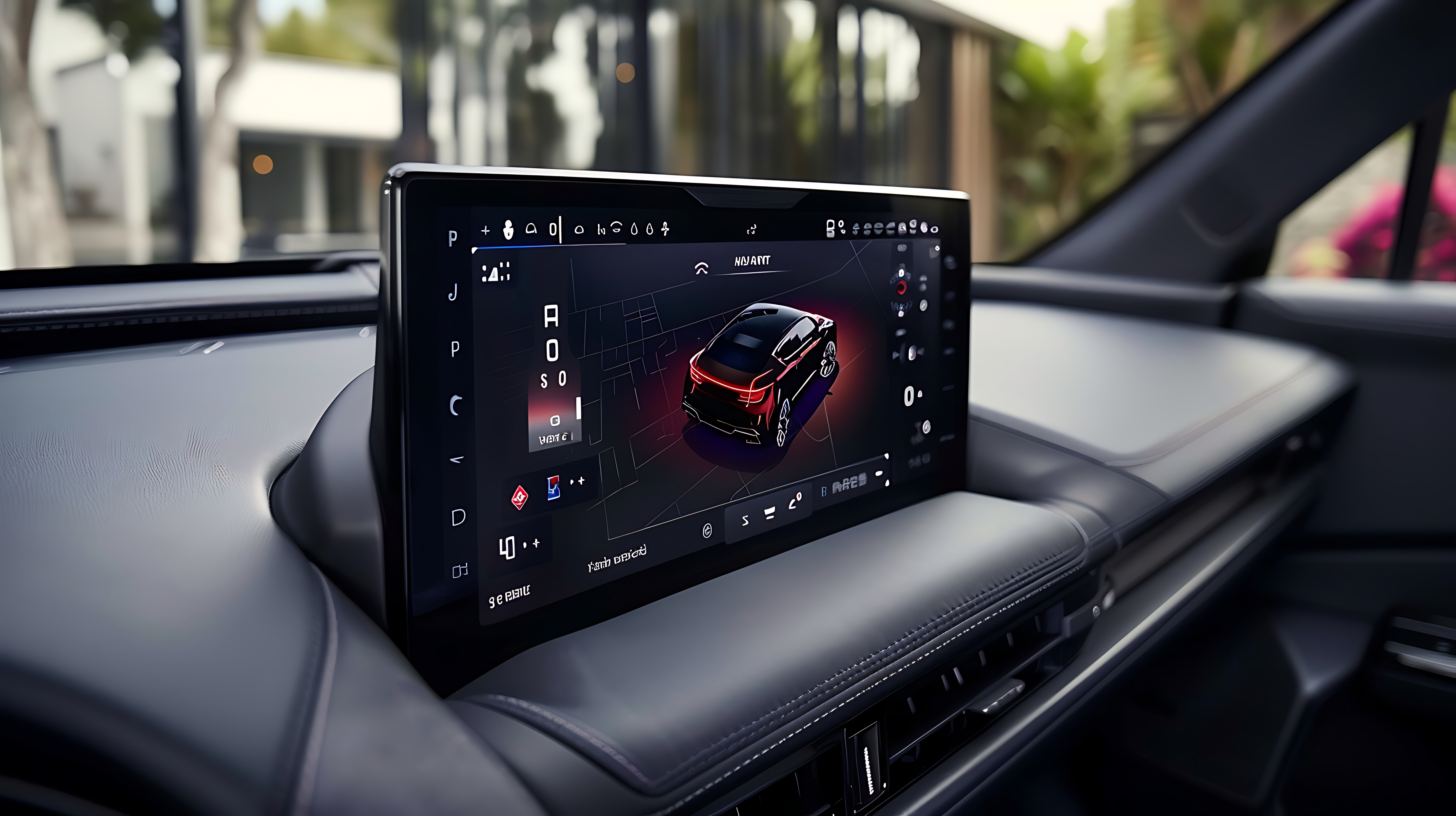
In the competitive world of technology, a product's user interface (UI) is often its most defining feature. From industrial control panels to consumer electronics and medical devices, the embedded UI is the primary point of interaction. While functionality and performance have long been the main focus, modern users now expect a seamless, intuitive, and visually appealing experience. The days of static, bare-bones interfaces are over. To truly captivate and guide users, embedded GUIs must evolve. The key to this evolution lies in the strategic use of motion, and that's where Sparklet's Animations & Transitions feature becomes an indispensable tool.
The Role of Motion in Modern UI Design
Before we dive into the specifics of Sparklet, let's talk about why animations are so crucial. In the physical world, objects have momentum and inertia. They don't just appear or disappear; they move into and out of our view. GUI animations that mimic this behavior feel more natural and intuitive to the human brain.
Here’s what a well-designed motion system brings to your interface:
- Context and Focus: Transitions between screens or states help users understand where they are in the application's hierarchy. An animation can draw the eye to a critical notification or highlight a newly available option.
- Feedback and Confirmation: When a user presses a button, a subtle animation provides immediate confirmation that the input was received. This feedback is essential for a responsive-feeling system.
- Perceived Performance: A smooth animation can mask system latency. While the device is fetching data or performing a background task, a loading animation keeps the user engaged and makes the wait feel shorter.
- Brand Personality: The style of your animations—be it quick and sharp, or soft and gentle—contributes significantly to your product's personality and brand identity.
For a long time, implementing such rich GUI Animations on embedded systems was a daunting task, often requiring significant CPU resources and complex, custom code. This is the problem we set out to solve with Sparklet.
Introducing Sparklet Animations & Transitions: Effortless Elegance
The Sparklet UI designer empowers developers to seamlessly integrate dynamic motion into their projects with an intuitive, drag-and-drop workflow. Users can easily add, modify, and remove animations within the dedicated Animation section, giving them complete control over the UI's behavior. This feature supports a variety of animation types, each designed to serve a specific purpose in creating a comprehensive and engaging user experience.
Use Cases for Embedded GUI Design
Understanding where and how to apply animations is crucial for effective UI design. Sparklet’s feature set provides the tools for five distinct use cases, ensuring you can add motion exactly where it matters most:
- Entry/Exit: This is the most common form of animation, defining how a widget or view appears and disappears from the screen. A smooth fade-in for a new dialog box, or a slide-out transition for a closed menu, makes the interface feel purposeful and clean. It eliminates the abruptness of a sudden appearance, making the UI feel more cohesive and less jarring.
- Internal State: Internal state animations are vital for providing feedback on a single widget’s status. Imagine a toggle switch that smoothly slides from "off" to "on," or a button that changes color with a subtle pulse when it’s actively selected. These animations communicate status changes clearly and elegantly, improving user understanding and reducing the need for explicit text labels.
- UI State: This type of animation handles transitions within a widget's self UI state. This is particularly powerful because it's theme-based, meaning you can define animations that trigger when the entire application's theme changes, for instance, from day mode to a sleek dark mode. This not only enhances visual appeal but also provides immediate, intuitive feedback to the user, making the system feel more responsive and dependable.
- Views: When navigating between different screens or views, a static "cut" is disruptive. View transitions are essential for creating a sense of flow and continuity. By adding a ‘Views’ animation to the parent container of your views, you can achieve professional-grade screen changes—like a horizontal slide or a scaling transition—that guide the user through the application's information architecture.
- Change of Child: In modern touch-enabled devices, swipe actions are commonplace. This animation type allows you to define the motion that occurs when a child widget is changed, for instance, in a carousel or a tabbed interface. A smooth lateral slide when swiping to the next item makes the interaction feel natural and responsive, confirming the user's gesture with satisfying motion.
Deep Customization on Resource-Limited Systems
The real power of Sparklet Animations & Transitions lies in its profound customizability, which remains performant even on microcontrollers with limited RAM and processing power. Our rendering engine is highly optimized, ensuring that these beautiful animations don't come at the cost of your application's responsiveness.
You can combine and configure a wide range of transition properties to create unique animation effects:
- Alpha Value: Animate the transparency of a widget to create elegant fade-in and fade-out effects.
- X and Y Position: Move widgets across the screen. You can create slide-in, slide-out, bounce, and other positional effects.
- Width & Height: Animate the size of a widget. This is great for pop-up dialogs that can grow from the center or for buttons that expand when hovered over.
- Visibility: While not an animation itself, this property can be used in a sequence to make a widget appear or disappear at a specific point in a more complex animation chain.
- Scale X and Y: Grow or shrink widgets on their horizontal or vertical axis. A subtle "pop" effect (scaling up and then back to normal) can provide delightful feedback on a button press.
By combining these properties and controlling their duration, easing curves (the acceleration and deceleration of the animation), and delay, you can craft a motion identity that is uniquely yours.
Furthermore, changing the theme of your entire UI is a breeze. Because animations are defined as part of the widget properties, they can be tied to a theme. This means you can create a "dark mode" theme that not only changes colors but also adjusts animation styles for a completely different feel, all without rewriting your application logic.
The Developer's Advantage: Beyond the Basics
For embedded developers, the value of Sparklet extends beyond just its animation features. The library's comprehensive toolkit, including its intuitive UI Designer, accelerates the entire development lifecycle. You can prototype and visualize UI designs quickly without writing a single line of code, and then seamlessly integrate these designs into your embedded application. This powerful combination of a visual designer and an efficient runtime library reduces time-to-market and allows you to iterate on your UI design with unprecedented speed.
The ability to create compelling, professional-grade interfaces also has a direct business impact. A superior user experience translates into higher customer satisfaction, stronger brand perception, and a significant competitive advantage. By leveraging the power of Sparklet, you are not just building a product; you are crafting an experience that will stand out in the marketplace.
Conclusion: Crafting the Future of Embedded UI
The era of static, uninspired embedded GUIs is drawing to a close. Users expect a dynamic, intuitive, and beautiful experience from every product they interact with. Sparklet Animations & Transitions is the essential feature that empowers embedded developers to meet and exceed these expectations, even on systems with limited resources. It provides a flexible, powerful, and efficient way to integrate motion into your designs, transforming a functional interface into a truly elegant one.
By focusing on a seamless user experience, customization, and resource efficiency, Sparklet provides a path for your product to shine. We encourage you to take the next step in your product design journey.
We'll dive into each of these animation and transition types in greater detail in our forthcoming articles—so stay tuned!
To learn more and start crafting dynamic embedded GUIs, review the Sparklet’s Animations & Transitions Feature documentation now.
https://sparkletui.com/flint-ui-designer