
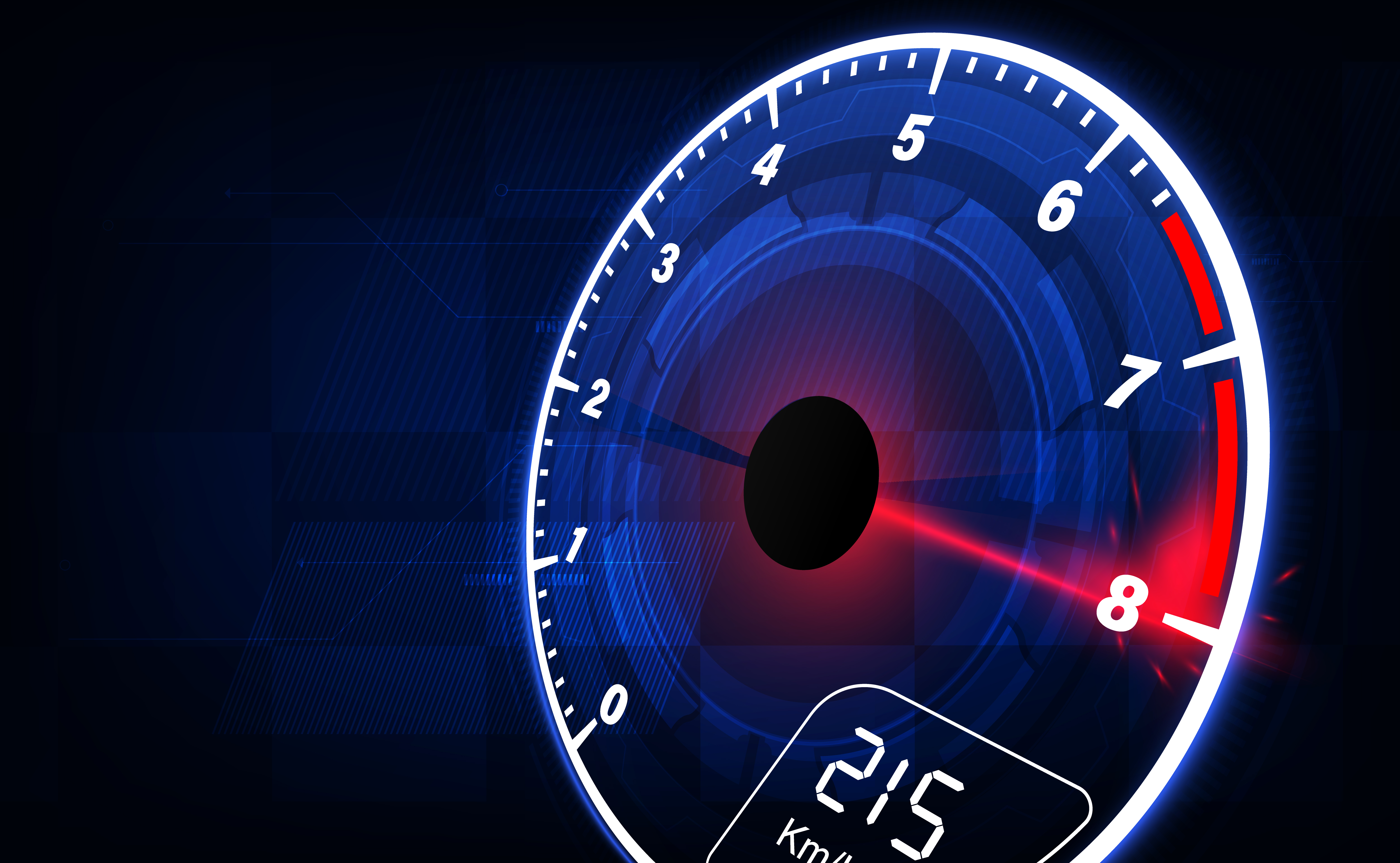
Gauges serve as intuitive graphical elements that present values within a limited range. Unlike numerical text displays that demand interpretation, gauges allow users to glance at the needle position and instantly understand the state of a system. This makes them ideal for high-speed operations, industrial environments, and automotive dashboards where time is of the essence.
A gauge, in essence, replicates the feel of classic analog meters that technicians and users are already familiar with—thereby eliminating the learning curve. As a result, gauges continue to be an integral GUI widget in embedded design, offering:
- Instant Visual Recognition
- Familiar User Experience
- Continuous, Real-Time Feedback
- Compact Representation of Dynamic Data
Use Cases for Gauge Widgets in Embedded Systems
Gauges play a vital role in embedded systems across many industries:
- Automotive Dashboards: Used to display vehicle speed through speedometers, engine revolutions via tachometers, and fuel levels with dedicated indicators.
- Industrial HMIs: Monitor critical parameters such as pressure, electrical voltage or current, and fluid flow rates.
- Medical Devices: Present patient vitals like heart rate and blood pressure in a clear, glanceable format.
- Smart Appliances: Show load balancing status in washing machines and temperature levels in ovens for precise control.
- Consumer Electronics: Indicate battery charge levels and signal strength through easy-to-read dials.
In each application, the analog-style motion of the gauge needle not only communicates the exact value but also conveys trends and the rate of change, offering intuitive real-time feedback.
Introducing Sparklet Gauge Widget
The Sparklet Gauge Widget is a robust and highly adaptable GUI widget tailored for embedded platforms. Whether you need a minimal gauge for a microcontroller-based product or a stylized meter for a rich HMI, Sparklet delivers exceptional visual quality with efficient resource usage.
Needle and Background Customization
The Sparklet Gauge Widget is built for flexibility, allowing developers to customize nearly every aspect of its design and behavior.
- Needle Design: Choose from default needle styles or use custom vector or bitmap images for a branded look.
- Background Image: Upload stylized backgrounds with tick marks, scales, zones (e.g., red zones for warnings).
- Alignment and Calibration: Align needle center point with image base, fine-tune rotation origin and sweep angles.
This allows developers to mimic legacy hardware meters exactly or go for a futuristic, high-contrast digital look.
Flexible Theming Support
UI theming is crucial for consistent branding across devices. The Sparklet Gauge Widget supports:
- Multiple themes (e.g., light/dark, industrial/medical)
- Color overlays and masks for dynamic state representation
- Custom fonts for overlay values and units
Themes can be changed at runtime or based on system state—e.g., night mode, alert state, or system diagnostics.
Clockwise and Anticlockwise Modes
While clockwise gauges are most common, some specialized applications require reverse or bidirectional movements. Sparklet fully supports:
- Clockwise/anticlockwise needle sweep
- Partial arc sweeps (e.g., 180°, 270°, 300°)
- Custom start angles for needle zero-positioning
This ensures support for both traditional and specialized gauge layouts across applications.
Real-Time Data Binding
Sparklet’s powerful data-binding interface makes it easy to update the gauge in real time:
- Bind gauge value directly to a sensor or system variable
- Configure scaling and offset (e.g., 0-1023 ADC to 0-100 psi)
- Use a simple mapping configuration file or API call
Whether you're working on bare-metal, RTOS, or embedded Linux, Sparklet offers seamless integration with your logic layer.
Optimized for Resource-Constrained Systems
Unlike many graphics libraries that are bloated or GPU-dependent, Sparklet is designed to perform efficiently on embedded systems:
- Minimal RAM usage (<60KB typical footprint with caching)
- Lightweight rendering pipeline with hardware acceleration fallback
- Redraw optimization via partial screen updates
This makes the Gauge Widget usable on MCUs with as low as 128KB RAM or processors without dedicated GPUs.
Developer-Friendly Features
To empower embedded developers and reduce time to market, Sparklet offers:
- Widget Simulation Tools: Simulate gauges and test animations before deployment.
- Modular Architecture: Plug-and-play support with other Sparklet widgets like charts, sliders, and toggles.
- Comprehensive Documentation: In-depth examples, API references, integration guides, and design tips.
- Responsive Support: Backed by Embien’s experienced embedded UI team.
All these features combine to reduce complexity while increasing product quality and user satisfaction.
Why Sparklet is the Ideal Choice for Embedded UI Developers
The Sparklet embedded graphics library—including the Gauge Widget—is built from the ground up for embedded applications. Unlike generic open-source UI toolkits, Sparklet focuses on what embedded developers truly need:
- Efficiency over bloat
- Control over abstraction
- Portability across architectures (ARM Cortex-M, A, R series)
- Vendor-agnostic display driver support
With Sparklet Gauge Widget, developers can build UI experiences that rival those of high-end consumer devices without compromising performance or memory budget.
Whether you're designing a digital dashboard for an electric vehicle, a test bench UI for an industrial controller, or a medical-grade vitals monitor, Sparklet offers the visual richness and functional robustness required for mission-critical applications.
Final Thoughts and Call to Action
Gauges are a timeless UI element, providing both visual appeal and functional clarity. With the Sparklet Gauge Widget, you can bring this classic interaction model to your embedded UI with modern flexibility and superior efficiency.
Explore customization options, real-time integration capabilities, and simulation tools that empower you to deliver polished and intuitive designs faster than ever.
Ready to elevate your embedded UI with gauges? Visit the Sparklet Gauge Widget documentation and discover how easy it is to design, configure, and deploy beautiful, high-performance gauge components on your next embedded project.
https://www.embien.com/documentation/flint-ui-designer/widgets/widgets.html#dial-widget