
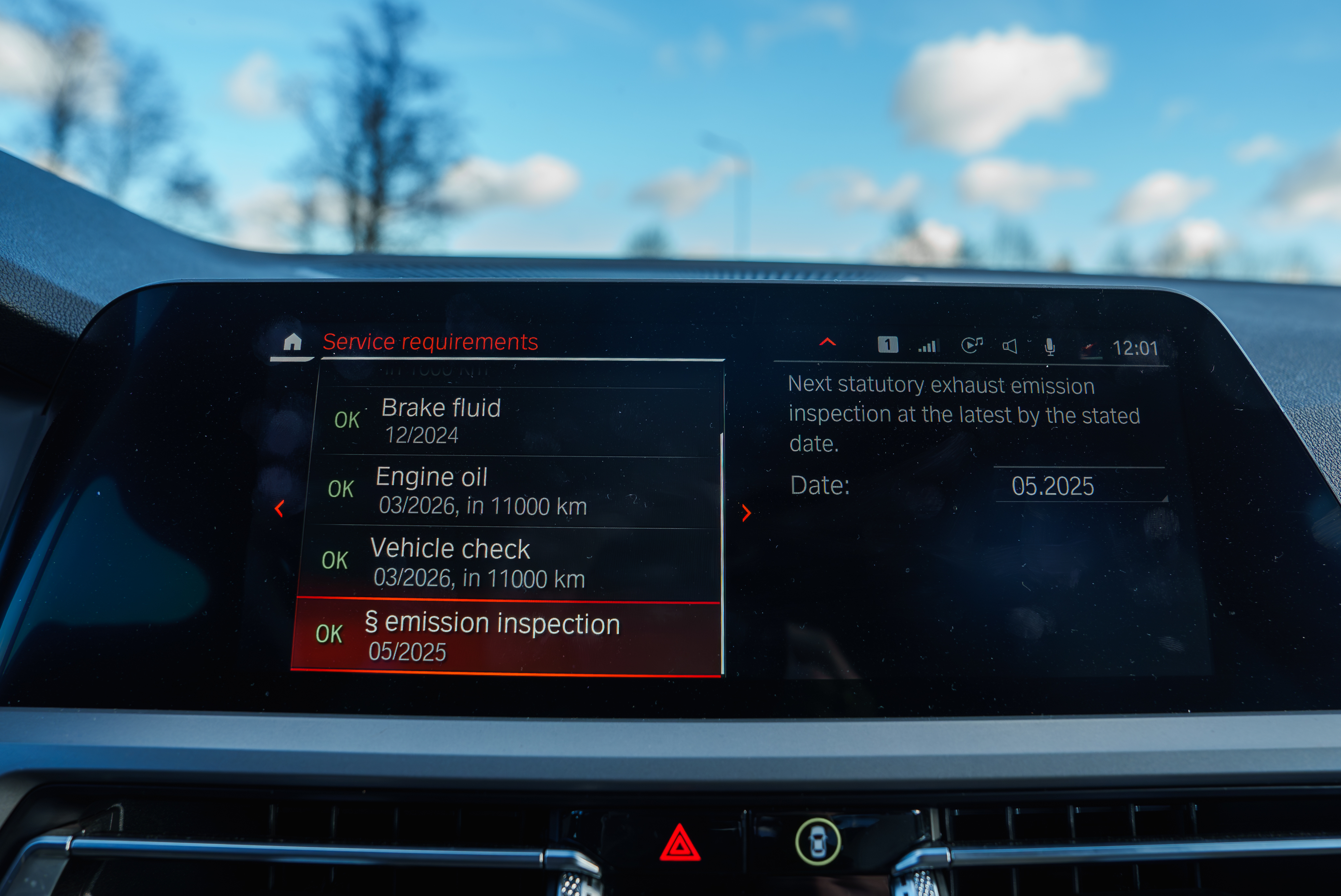
In embedded UI design, screen space is always at a premium. Whether you're working with a 2.4 inch monochrome LCD or a 7 inch full-color touchscreen, you’re likely to run into situations where the UI needs to present more content than the display can show at once. That’s where the Scroll View becomes an indispensable tool.
A Scroll View allows developers to embed larger content areas within smaller viewports, enabling users to scroll and explore content seamlessly. In this blog, we’ll dive into how Scroll Views enhance embedded interfaces, explore real-world use cases, and look at how the Sparklet ScrollView Widget offers the flexibility, customization, and performance required for modern embedded devices.
The Role of Scroll Views in Embedded UI Design
A Scroll View acts as a viewport into a larger UI surface. Rather than squeezing all UI elements into a limited space, Scroll Views let designers build expansive layouts—forms, data panels, maps, and more—that users can explore using scroll gestures or navigation controls.
Key benefits of using a Scroll View include:
- Efficient space management on smaller displays.
- Enhanced usability through intuitive navigation.
- Support for large widgets like charts, tables, images, and long menus.
- Scalable design that adjusts to varying screen resolutions.
By breaking the dependency on static screen dimensions, Scroll Views empower developers to deliver rich, detailed UIs without overwhelming the user.
Common Use Cases for Scroll Views in Embedded Systems
Scroll Views are versatile and can be found in many embedded applications across domains:
- Medical Devices: In medical devices, they enable smooth navigation through patient data entry forms with multiple fields, as well as viewing historical data logs and diagnostic trends.
- Industrial Panels : Industrial panels use them for presenting long lists of sensor values, machine parameters, and step-by-step maintenance instructions.
- Smart Appliances: In smart appliances, Scroll Views support recipe instructions, cooking steps, and configuration of timed programs.
- Automotive Displays: Automotive displays rely on them for trip history, service records, infotainment track lists, and advanced configuration menus.
- Consumer Electronics & Wearables: Consumer electronics and wearables make use of scrolling to organize settings pages with numerous toggles, or to display chat and messaging histories.
- Retail & Kiosk Interfaces: In retail and kiosk interfaces, they enhance usability by allowing customers to browse product catalogs, navigate menus, fill out forms, review receipts, and provide feedback.
Across all these domains, Scroll Views deliver a way to present more content without sacrificing clarity or user experience.
Introducing the Sparklet ScrollView Widget
The Sparklet ScrollView Widget is part of the Sparklet embedded graphics library—a purpose-built, performance-optimized UI toolkit for embedded platforms. It enables the creation of scrollable containers that house any combination of Sparklet widgets, allowing developers to build fluid, interactive UIs with minimal overhead.
Supports Both Vertical and Horizontal Scrolling
Sparklet’s ScrollView offers:
- Vertical Scroll Views for reading-style interfaces, data forms, and long lists.
- Horizontal Scroll Views for carousels, image galleries, and tabbed navigation panels.
Developers can specify scroll direction, allow simultaneous scrolls, or restrict to one axis based on application logic.
Customizable Scrollbars
A major part of user interaction is feedback. Sparklet lets you tailor the scrollbar appearance:
- Adjust scrollbar thickness, length, and shape.
- Choose custom images or themes for scrollbar tracks and thumbs.
- Enable or disable auto-hide and fade-in animations.
This level of control lets you maintain a consistent UI theme across your product—be it minimalistic, industrial, or highly stylized.
Smooth Scrolling & Touch Input Support
The Sparklet ScrollView Widget supports:
- Inertia-based touch scrolling for smartphone-like fluidity.
- Step-by-step navigation via hardware keys.
- Content dragging for both capacitive and resistive touchscreens.
For systems without touchscreens, virtual scrollbars and mapped buttons ensure accessibility across all user interfaces.
Theme Integration and Visual Consistency
Like all Sparklet widgets, the ScrollView supports dynamic theme management:
- Switch between light, dark, or custom themes at runtime.
- Style scrollbar components independently or inherit from global theme.
- Configure state-based visuals for user engagement (focused, active, etc.).
This allows developers to maintain consistent visual branding across applications, and adapt to environmental lighting conditions or user preferences.
Resource-Conscious Design for Embedded Platforms
Sparklet ScrollView is engineered to deliver high performance on low-power systems:
- Low RAM Footprint: Renders only visible child widgets.
- Optimized Redraws: Partial rendering and caching for minimal CPU usage.
- No GPU Required: Works efficiently with basic 2D drawing engines.
Whether your target is a Cortex-M-based RTOS or an embedded Linux system, Sparklet enables smooth scrollable UIs without taxing system resources.
Seamless Integration with Business Logic
Interactivity is more than visuals—it's about connecting UI with application logic. Sparklet makes this straightforward:
- Event Callbacks: Detect scroll events, focus changes, or item exposures.
- Dynamic Content Loading: Populate widgets on demand as users scroll.
- Programmatic Scrolling: Scroll to specific widget IDs or coordinates with code.
These features empower developers to build context-aware applications that respond intelligently to user behavior.
Developer-Friendly Ecosystem
The Sparklet development environment is tailored for embedded UI creators:
- Visual Simulation: Preview scroll behavior during design and debugging.
- Layout Helpers: Define content areas easily with Snap-to-Grid, Anchors, etc.
- Modular Architecture: Combine ScrollView with other widgets like GridView, Panels, Sliders, and Charts.
- Reusable Templates: Use built-in scrollable screen templates to save time.
This makes Sparklet an end-to-end solution for developers building embedded UIs. It reduce development effort, improve consistency, and accelerate time to market.
Why Sparklet ScrollView is Ideal for Embedded UI Developers
Developers working on embedded systems face the dual challenge of delivering high-quality UIs on constrained hardware. The Sparklet ScrollView Widget addresses this with:
- Scalable layout management for dynamic content.
- Customization hooks for scrollbar appearance and scrolling behavior.
- Performance tuning for low-power MCUs.
- Cross-platform compatibility across display sizes and input methods.
With Sparklet, developers don’t have to compromise between functionality and efficiency. Whether you're building an HMI for industrial control, a compact wearable interface, or a multi-page automotive UI, Scroll Views make it possible to include everything the user needs—without overwhelming them.
Final Thoughts
Scroll Views are one of the most powerful tools in the embedded UI toolkit, offering an elegant way to display extensive content within limited screen space. The Sparklet ScrollView Widget takes this concept further by enabling rich interactivity, full customizability, and optimized performance tailored for embedded systems.
Ready to bring flexible navigation and expansive content to your embedded UI?
Explore the Sparklet ScrollView Widget documentation for setup instructions, code examples, and integration best practices.
https://www.embien.com/documentation/flint-ui-designer/widgets/widgets.html#scrollview-widget