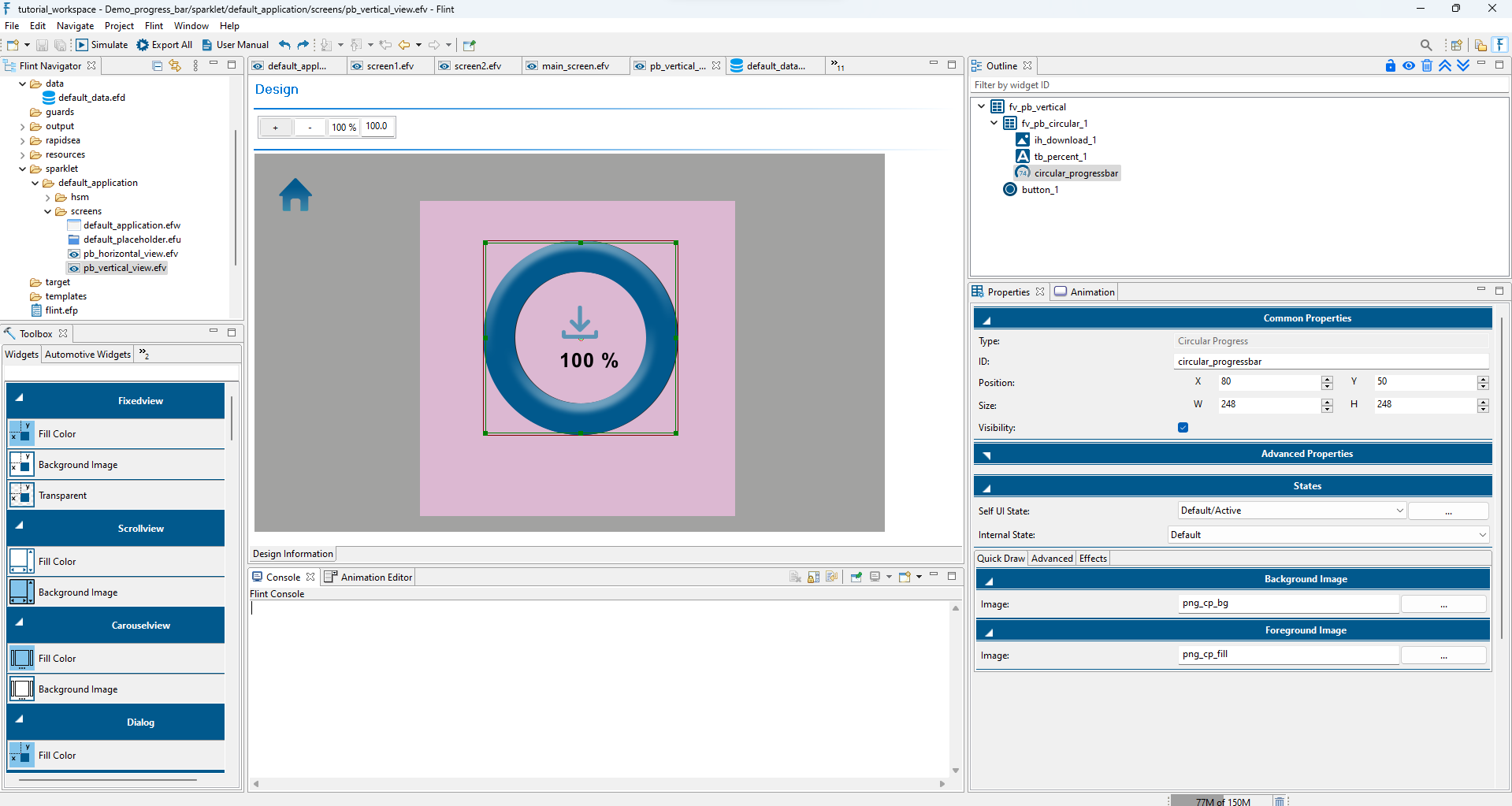
In the Advanced Properties section, configure the widget by setting the Direction as Clockwise, mapping the Data variable to “Cur Val,” and defining the Minimum and Maximum range.
Explore the Advanced tab under the Properties section. For the Foreground Image layer, configure the Rotation, such as Image Style (Radial Clipping-Outside), Pivot, Center, Start Angle, and End Angle. Map the Widget data to Current Angle.